
Lab and test automation · runs on your own computer
Test automation for the instruments you already own.
Muxit talks to programmable supplies, bench DMMs, scopes and electronic loads over LAN, USB-TMC and serial. Set an instrument up once, then script it in Python or JavaScript. Operators run the test from a dashboard.

- Instruments
- SCPI over TCP/IP (LXI, port 5025), USB-TMC, serial
- Also
- MQTT, USB and ONVIF cameras, Python libraries as drivers
- Scripts
- Python (pip install muxit) or JavaScript (sandboxed, inside Muxit)
- Operators
- Locked stations on a dashboard or your own HTML page, PIN accounts (Pro)
- Records
- Audit log of blocked and confirmed operations (Lab)
- Runs on
- Windows 10+, macOS 12+, Linux x64 / ARM64
- Install
- One package, ~150 MB, opens at 127.0.0.1:8765
- Price
- Free to evaluate; Maker €9/mo, Pro €49/mo
The same server runs on the R&D bench and on the production line.
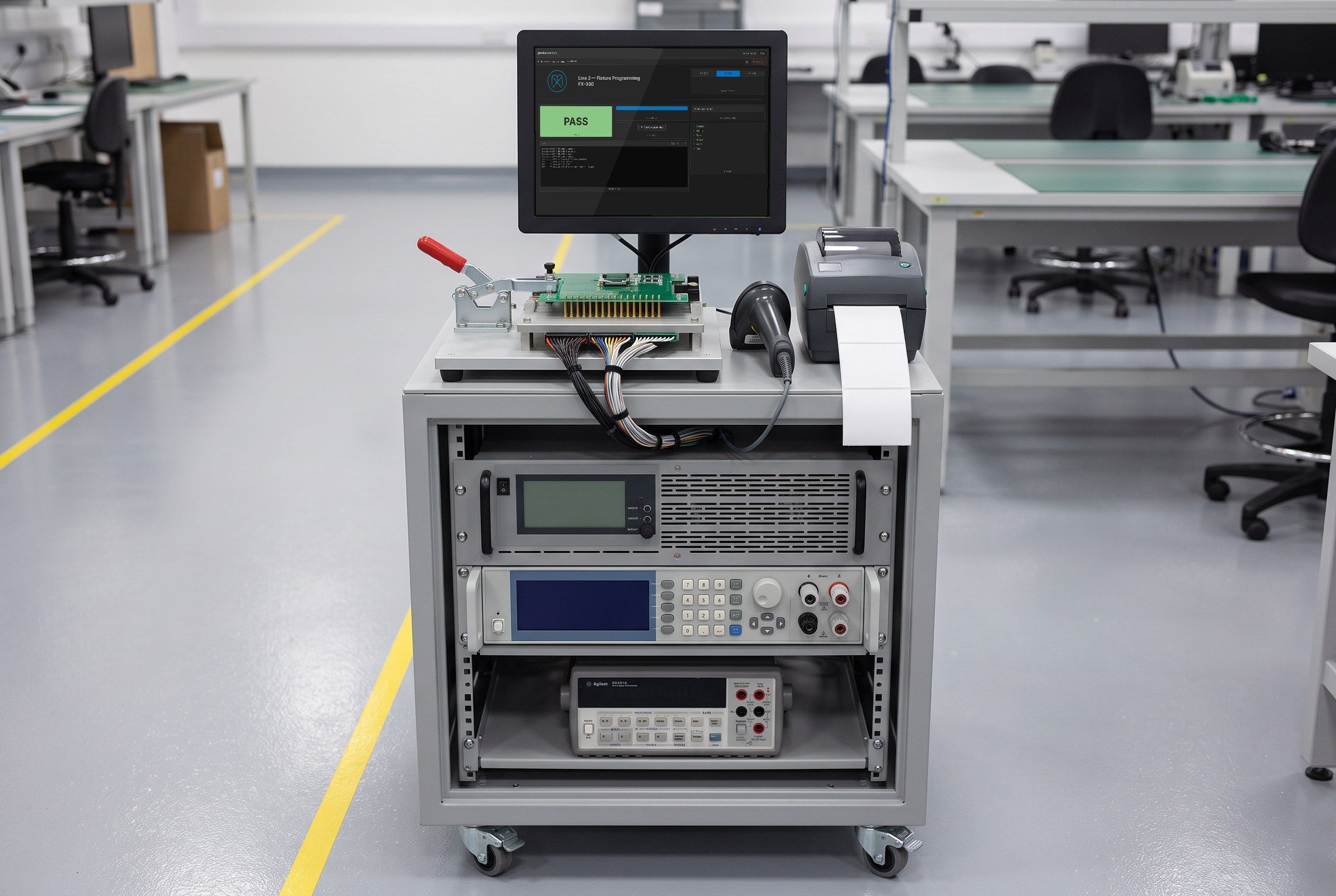
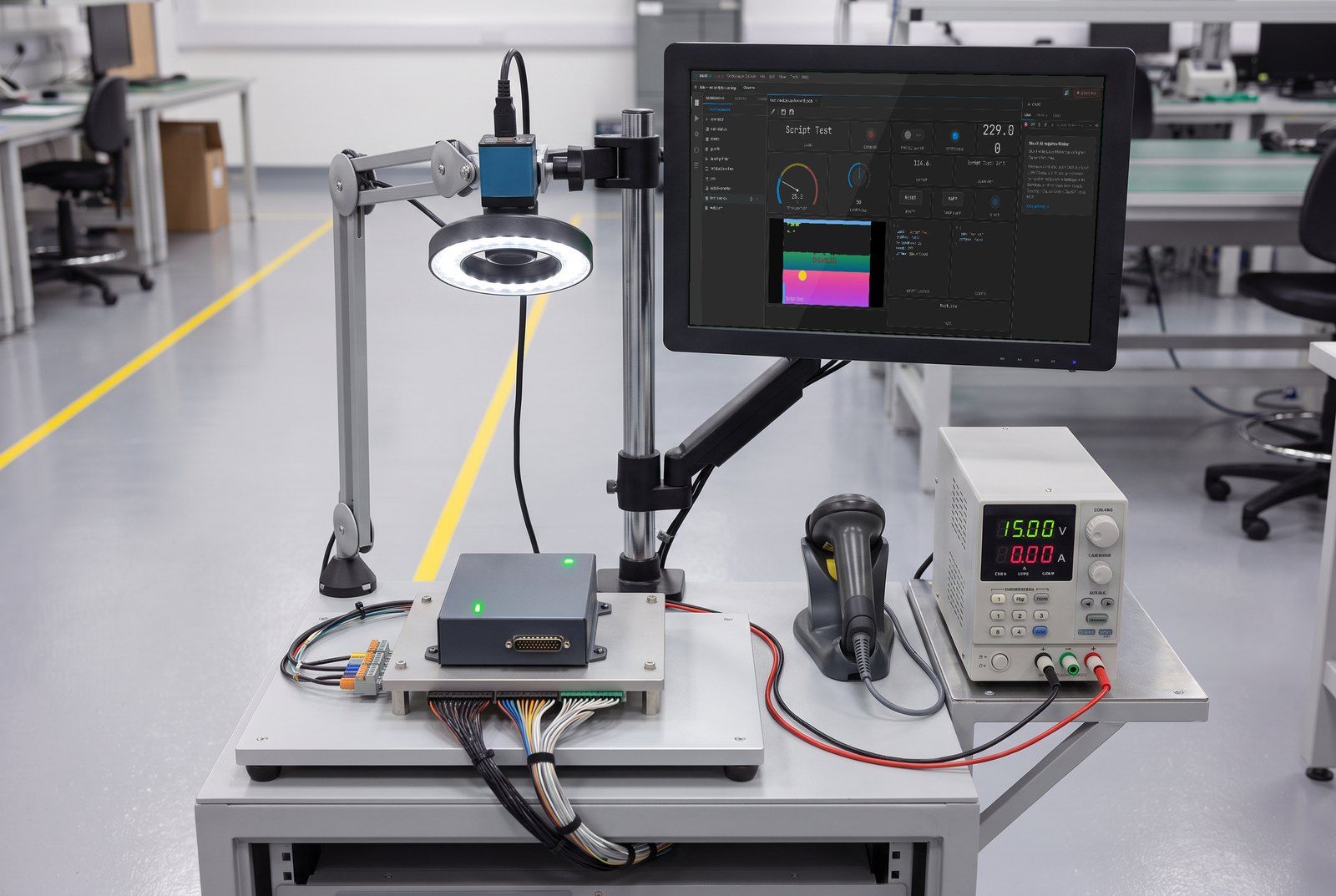
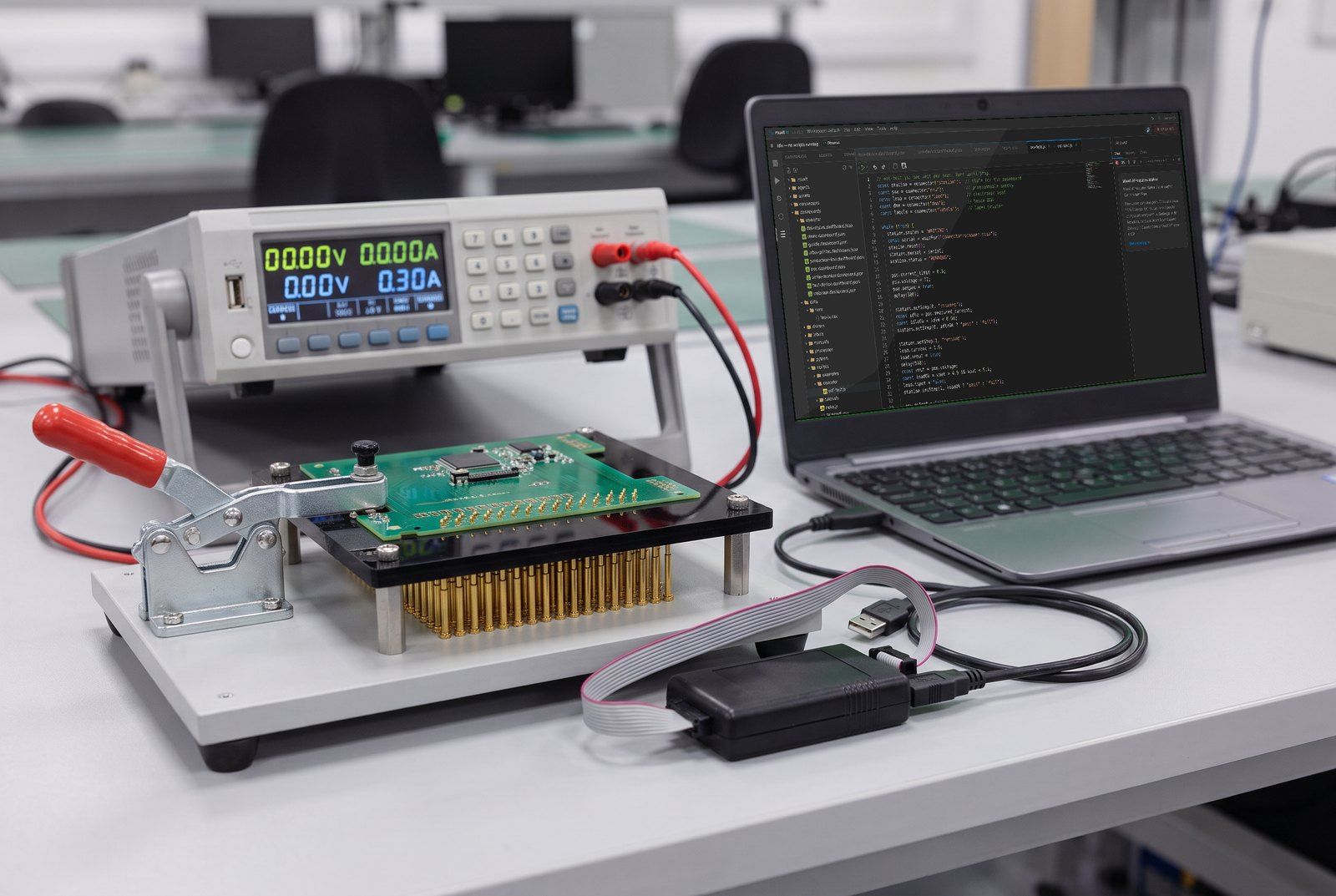
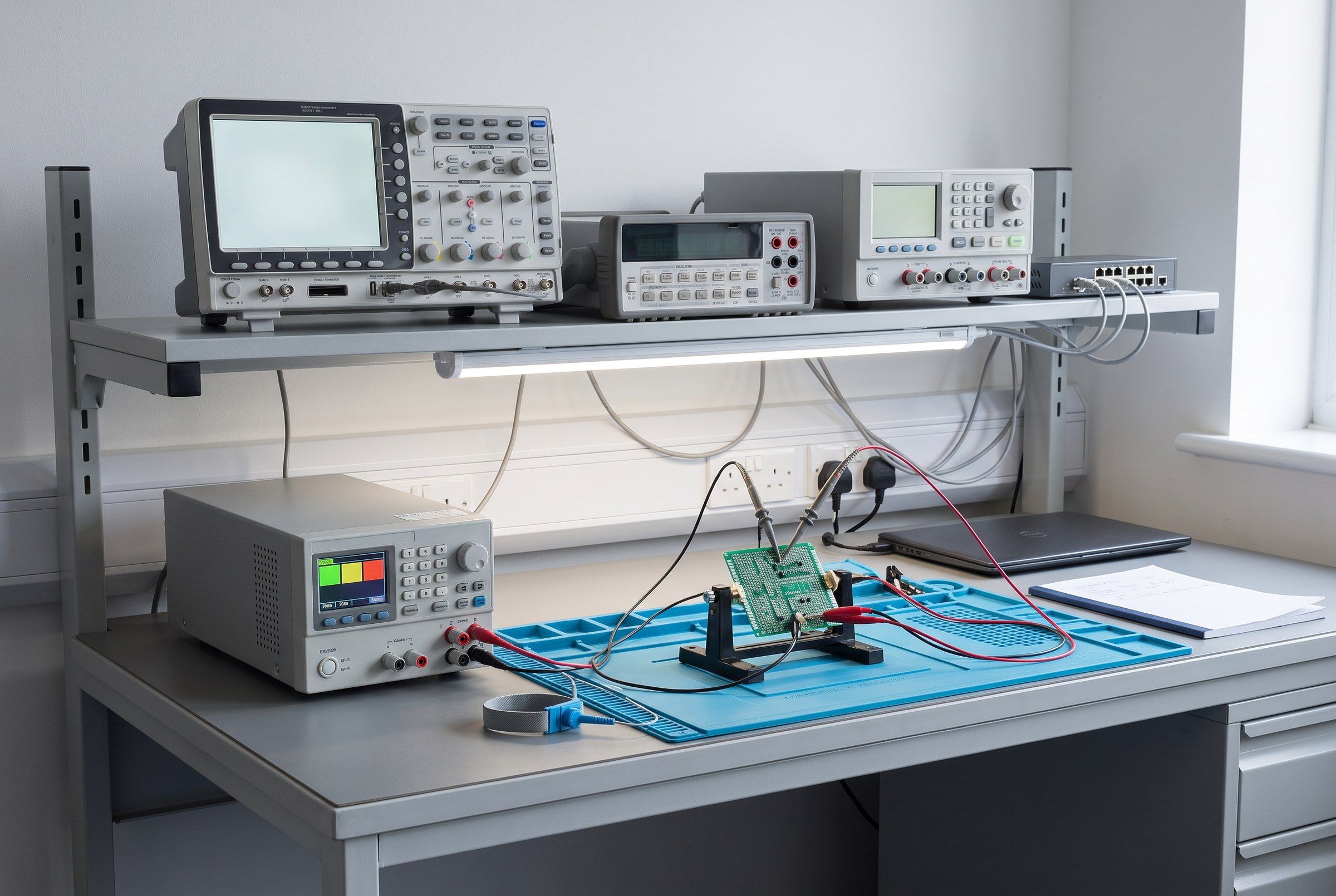
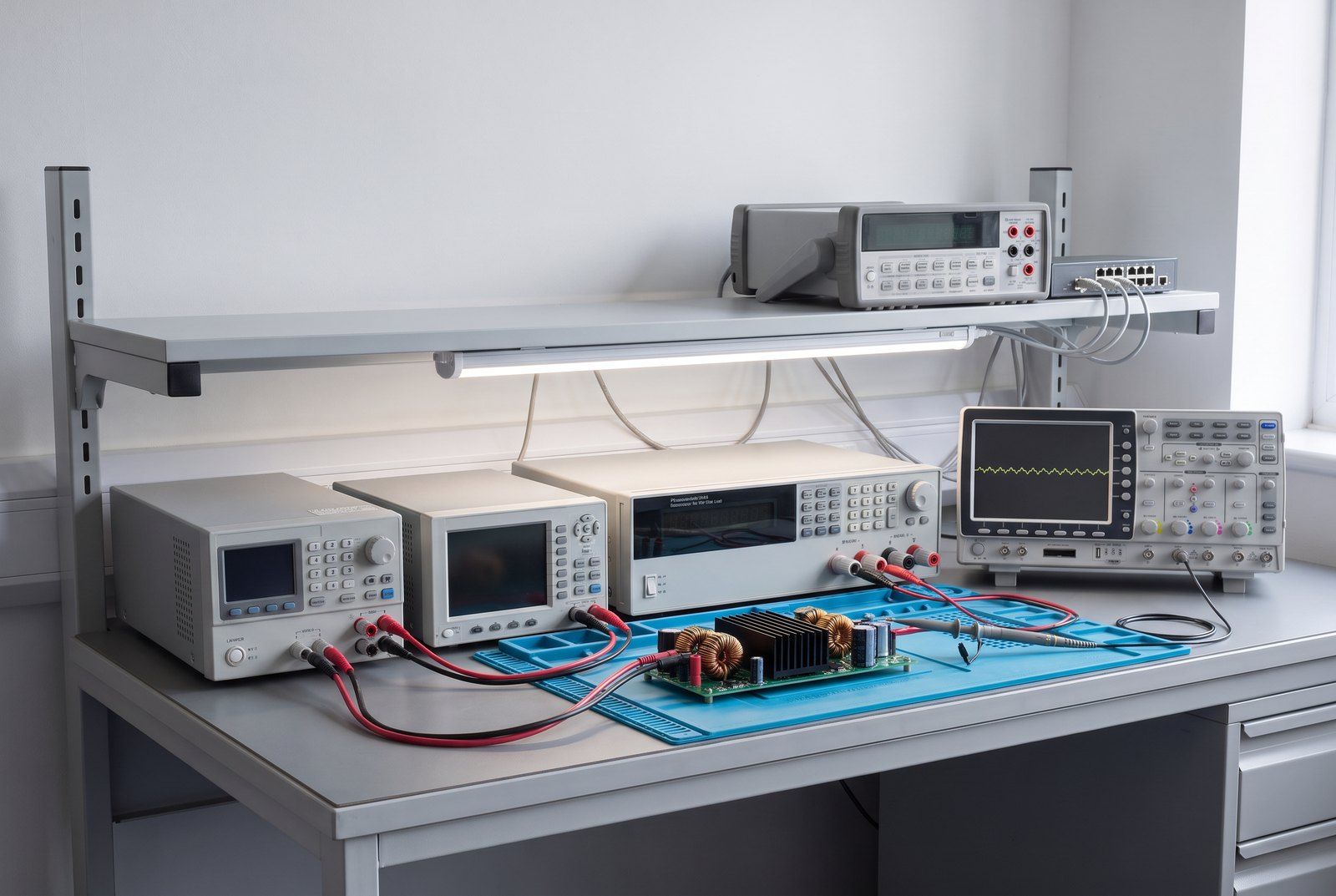
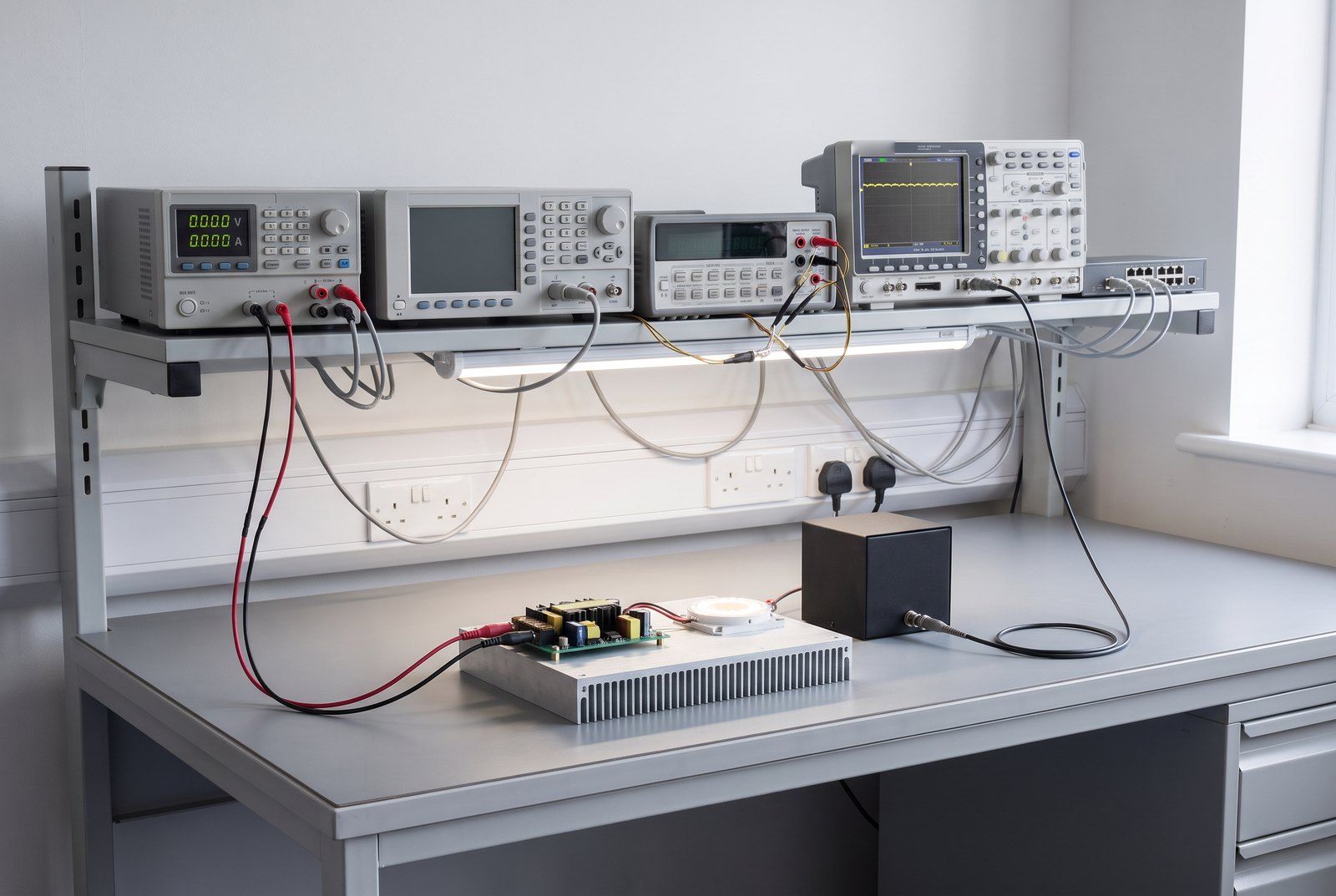
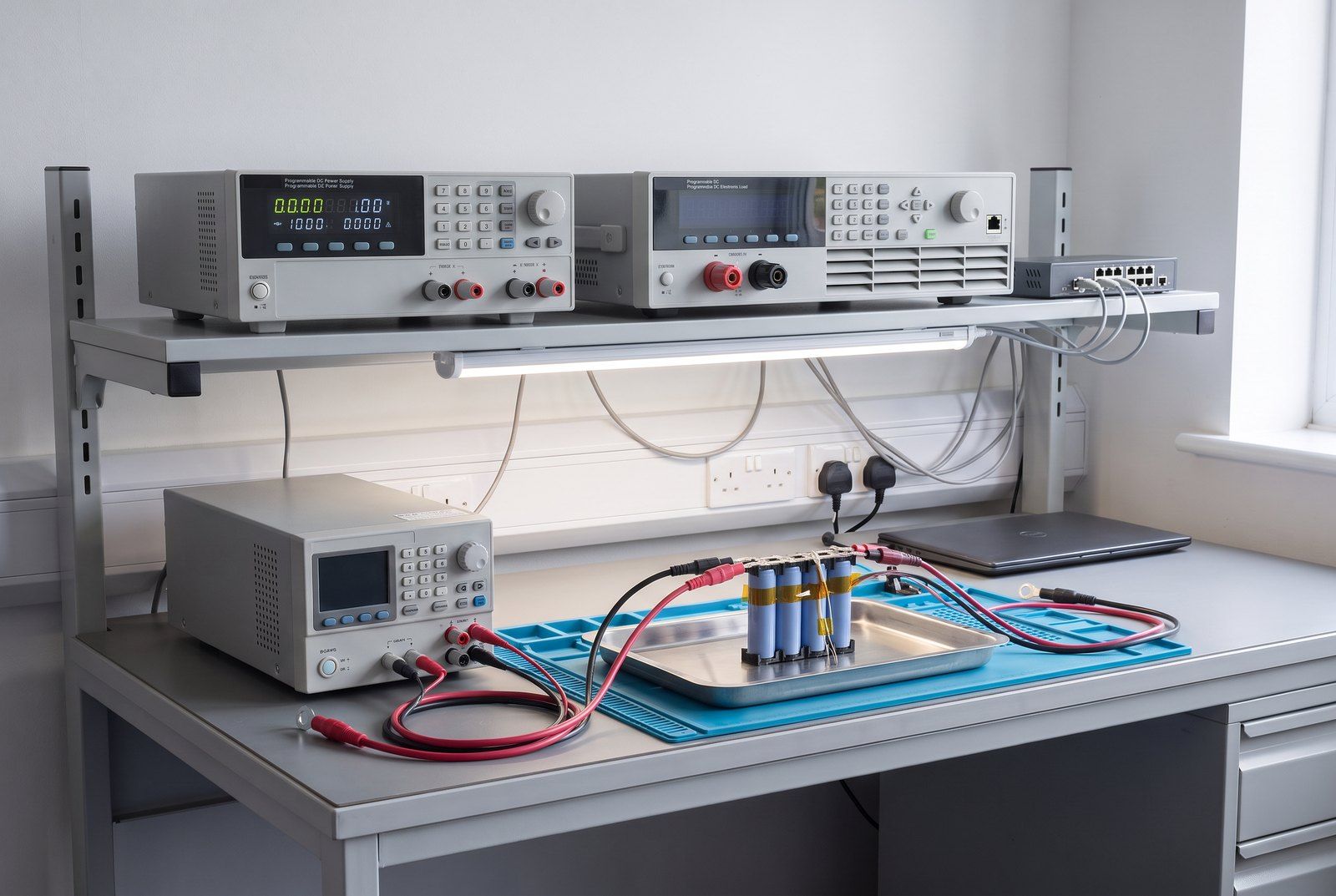
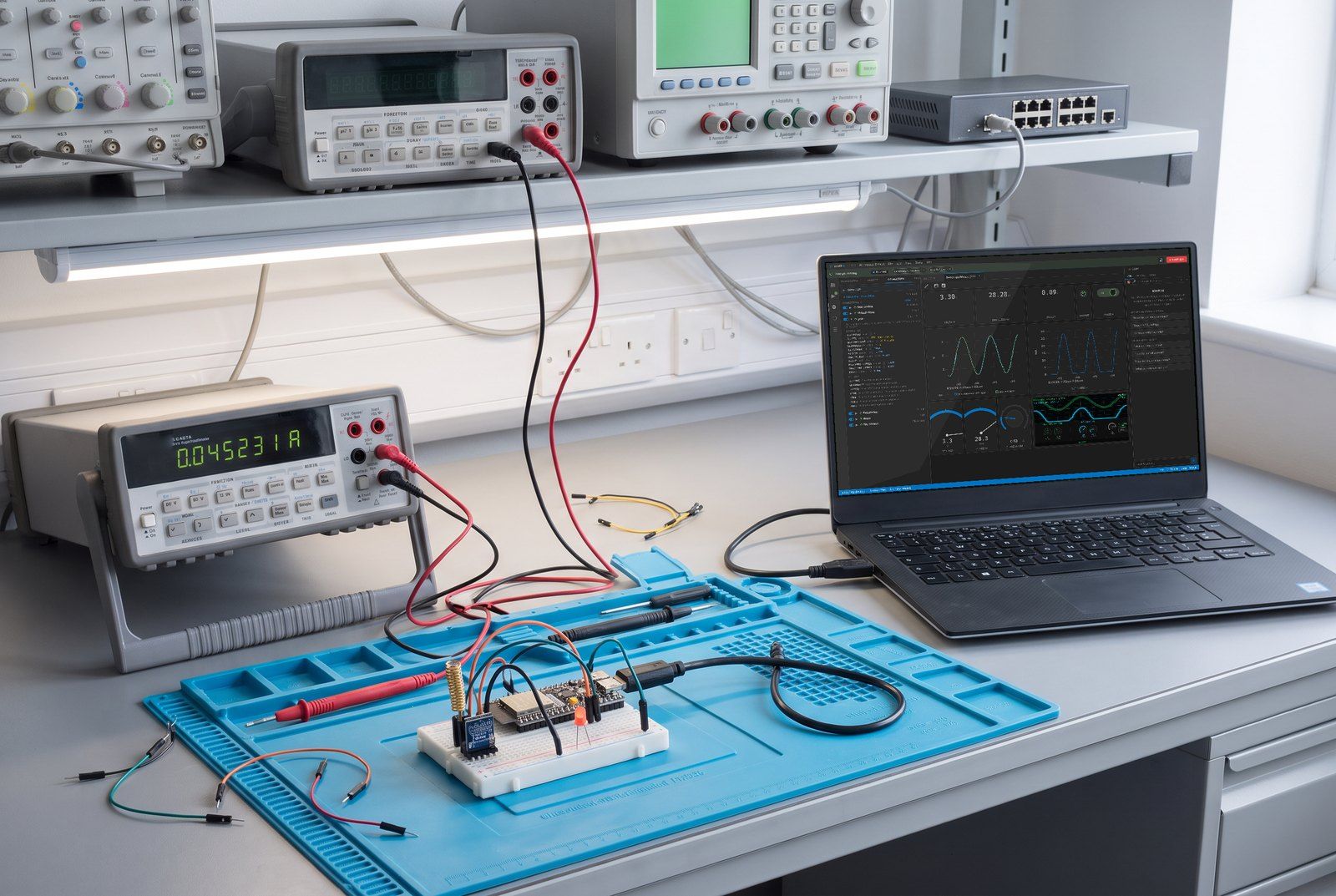

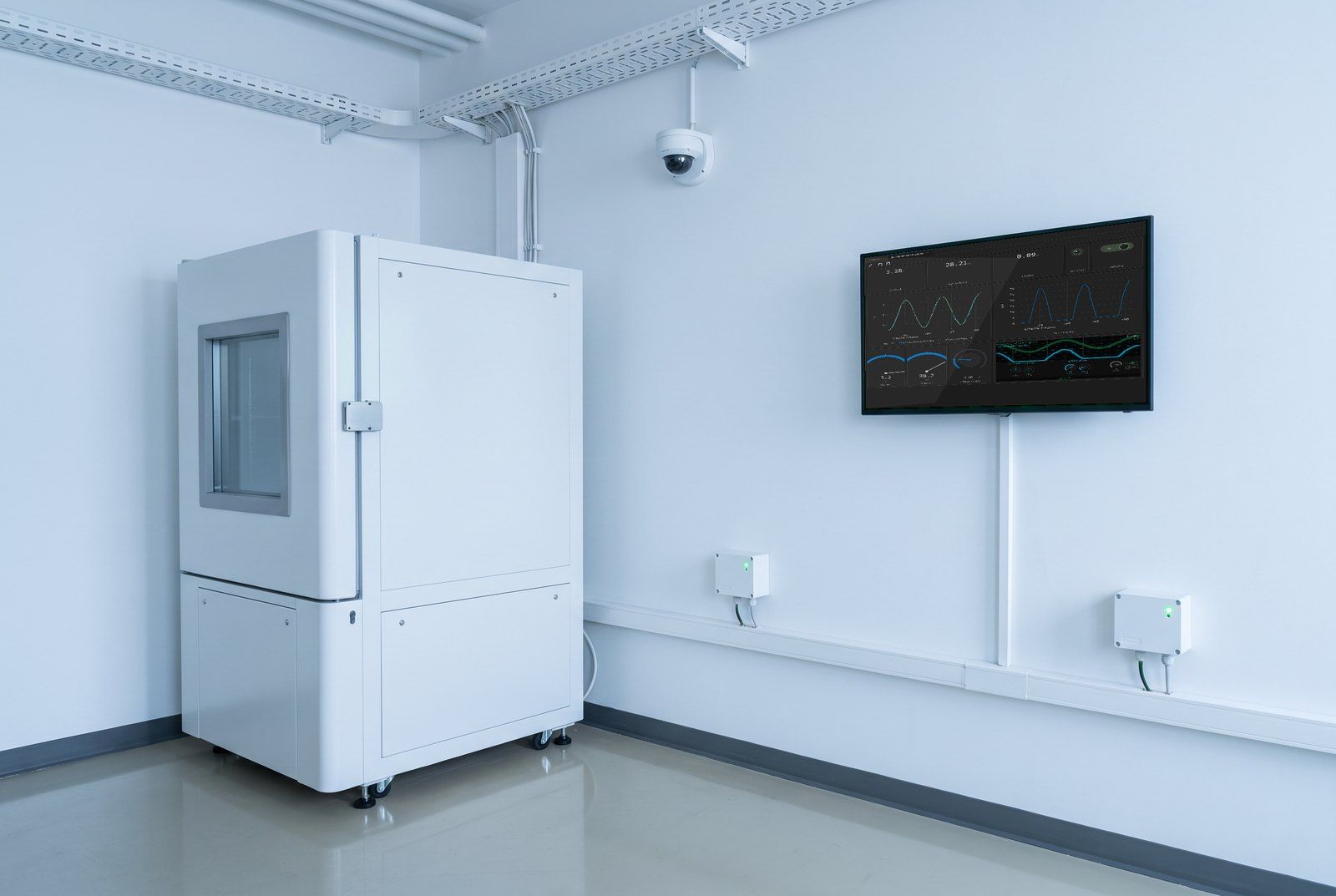
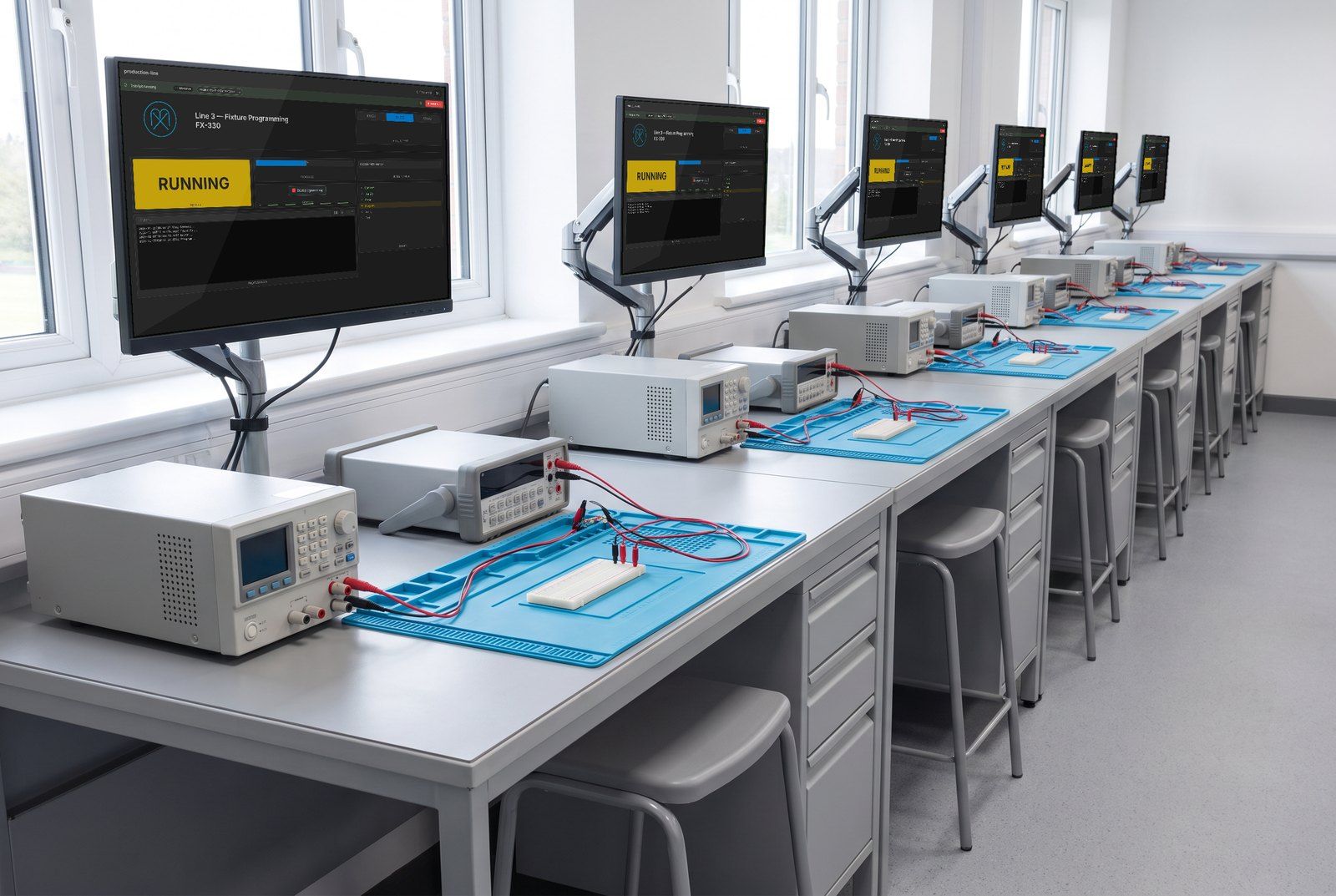
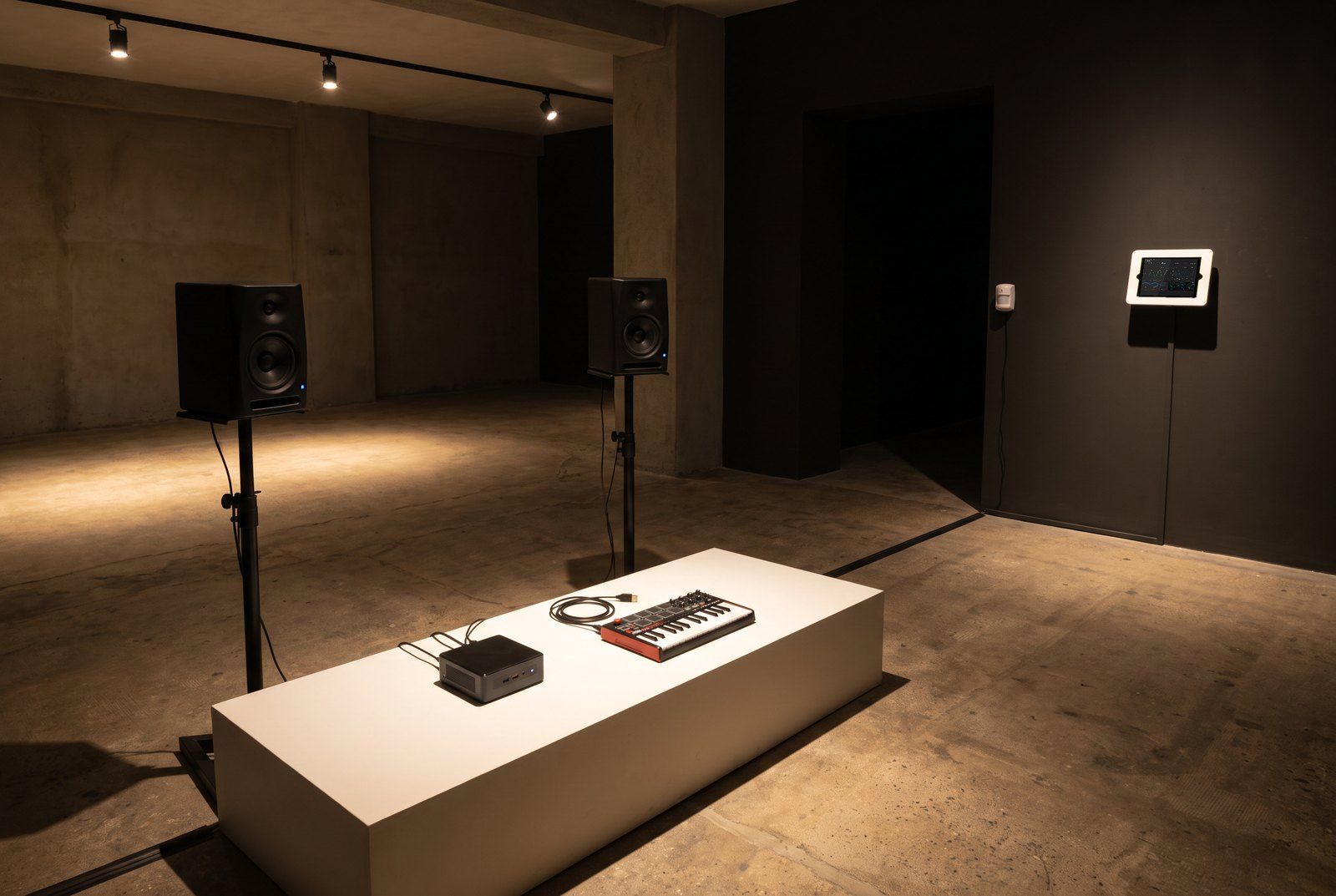
A test is a short script against named instruments.
// led-iv.js: LED I/V curve, one CSV row per step
const psu = connector("psu");
const dmm = connector("dmm");
const csv = connector("fileaccess").openText("runs/led-iv.csv");

csv.write("v_set,i_measured\n");
psu.current_limit = 0.05;
psu.output = true;

for (let v = 0; v <= 3.2; v += 0.05) {
  psu.voltage = v;
  delay(200);
  csv.append([v.toFixed(2), dmm.current]);
}

psu.output = false;
log.info("Saved runs/led-iv.csv");# led_iv.py: LED I/V curve, one CSV row per step
import csv, time
import muxit
m = muxit.connect()
psu = m.connector("psu")
dmm = m.connector("dmm")
psu.current_limit = 0.05
psu.output = True
with open("led-iv.csv", "w", newline="") as f:
out = csv.writer(f)
out.writerow(["v_set", "i_measured"])
for step in range(65): # 0 to 3.2 V
v = step * 0.05
psu.voltage = v
time.sleep(0.2)
out.writerow([f"{v:.2f}", dmm.current])
psu.output = False
print("Saved led-iv.csv")psu and dmm are names you give your instruments. Swap the supply for another model and only its connector file changes; the test stays the same.
| JavaScript | Python | |
|---|---|---|
| Runs | Inside Muxit, on the computer the instruments are on | Wherever you work: a script, a Jupyter notebook, another computer on the network |
| Started from | The Muxit window, a dashboard button, an operator station, or at boot | Your terminal, IDE or notebook |
| Good for | Tests a station runs on its own; runs that outlast your laptop | Characterisation and analysis with numpy, pandas and your own code |
| Same in both | Instrument names, psu.voltage = 3, events, AI, live values, safety limits and the audit log | |
Most benches use both: prototype in a notebook, then hand the finished test to a station. Python and Muxit →
What it connects to.
| Instrument | How |
|---|---|
| Programmable supplies, bench DMMs, scopes, generators, electronic loads, SMUs, DAQ units | Scpi over TCP/IP, USB-TMC, serial |
| Microcontrollers that print lines (ESP32, Arduino) | LineText over serial or TCP |
| Barcode scanners, label printers | LineText events, LabelPrinter |
| Sensors on MQTT, USB and ONVIF cameras | MqttBridge, Webcam, Onvif |
| Anything with a Python library or vendor tool | Python connector |
GPIB instruments work through a Prologix or AR488 adapter. Not supported: instruments without a remote interface, such as handheld meters and supplies with only knobs. Device compatibility →
// workspace/connectors/psu.js
export default {
  protocol: "Scpi",
  connection: {
    type: "tcp", host: "192.168.1.50", port: 5025,
  },
  config: {
    autoConnect: true,
    schema: {
      properties: {
        voltage: { cmd: "VOLT", type: "float", unit: "V" },
        current_limit: { cmd: "CURR", type: "float" },
        output: { cmd: "OUTP", type: "bool" },
      },
    },
  },
};
For a new instrument, the built-in AI probes it, looks up the command set and writes the connector for you to review. MAKER+ On Free the same tools run through MCP with your own AI client.
Who can do what, and what gets recorded.
| Need | What Muxit does |
|---|---|
| A station that only runs the test | Operator mode: the station boots into a dashboard, or into a screen you write in HTML; editing scripts, connectors, settings and installs is refused by the server |
| A name on every action | Local accounts for admin, engineer and operator, with PINs and lockout after repeated failures |
| Limits nobody can type past | Safety policies per connector: write limits, rate limits, confirm gates |
| A record of what happened | Audit log: every blocked, simulated or confirmed operation and every safety-level change, one JSON line each, naming the script or the signed-in person |

Everything runs on your computer and network. Only the built-in AI features, when used, go through the Muxit proxy to the model provider. Local models (Ollama, LM Studio) stay local.
One licence key covers one computer and everyone who uses it.
Free
To evaluate
- 3 connectors
- 3 scripts at once
- Python and JavaScript
- MCP and local models
Pro
R&D benches and test stations
- Unlimited connectors
- Operator mode and PIN accounts
- Label printing
- 1,500 AI credits a month
Lab
When the test has to stand up to an audit
- Everything in Pro
- Audit log
- Safety policies per connector
- 4,000 AI credits a month
Prices are per computer. EU prices include VAT. Yearly is about two months cheaper. Several stations in one organisation: get in touch. Full comparison →
It also runs on the desk at home.
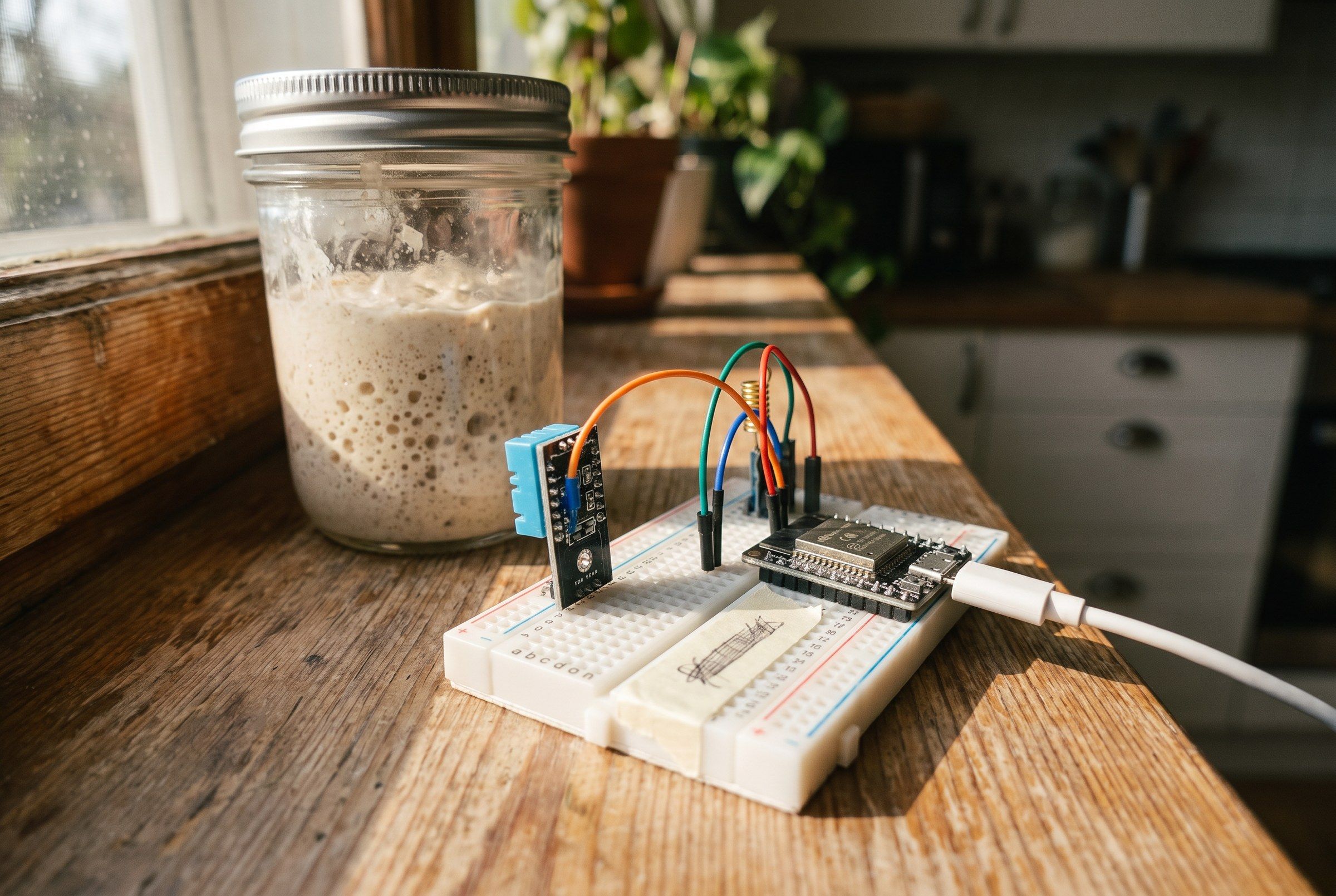
At home the same server runs smaller things, such as an ESP32 temperature logger or a webcam on the 3D printer. Sensors publish to the MQTT broker built into Muxit, and an alert goes to your phone when something needs you.
Free covers three devices with no time limit. It runs on a Raspberry Pi 4 or 5.
Start with the Production Line example.
It ships with every new workspace: a dashboard, a connector that holds the state and the script that runs the stages. Replace the delays with your instruments.
Lab is coming
Audit log and per-connector safety policies. Leave your address and we'll tell you when Lab opens.
We send one e-mail when it opens, and you can unsubscribe at any time.