Applications / Education & makers
A home lab that tells you what it's doing.
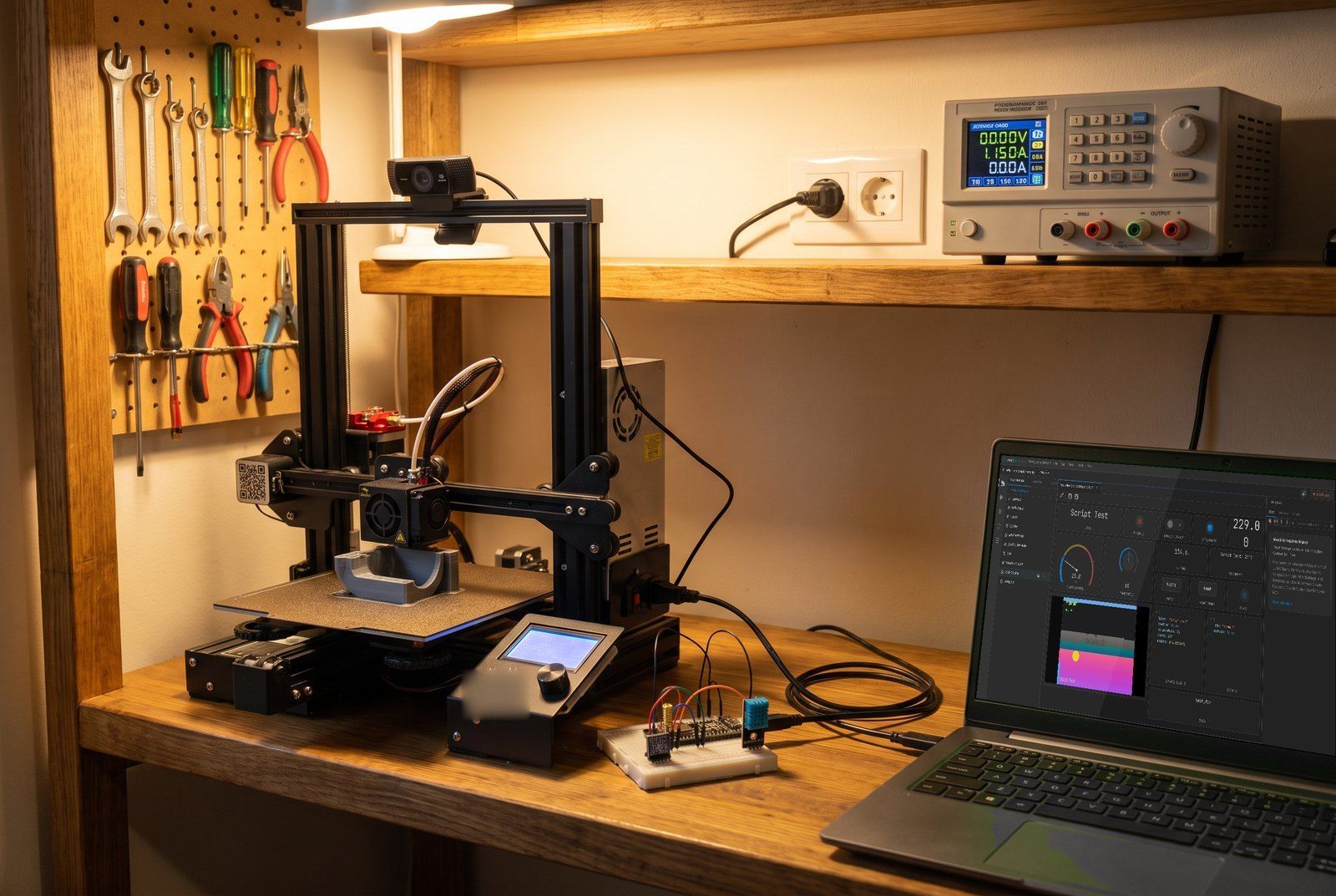
An ESP32 on a breadboard, a bench supply in the spare room, a webcam on the 3D printer. Muxit gives each one a name, puts them on one dashboard, and sends a message to your phone when something needs you.
| Boards | ESP32, Arduino: lines over serial, or MQTT |
|---|---|
| Smart home | Tasmota and Home Assistant over MQTT |
| Alerts | ntfy, Discord, e-mail |
| Voice | Wake word "Muxit", then speak |
| Runs on | A laptop, or a Raspberry Pi 4/5 |
| Plan | FREE+ |
A dozen lines turn a serial print into a property.
// connectors/starter.js: an ESP32 that prints "TEMP: 24.6"
export default {
  protocol: "LineText",
  connection: { type: "serial", port: "/dev/ttyUSB0", baudRate: 115200 },
  config: {
    terminator: "\n",
    schema: {
      properties: {
        temperature: { prefix: "TEMP: ", type: "float", unit: "C" },
      },
    },
  },
};// watch-starter.js: tell my phone when the starter is too cold
const starter = connector("starter");
const phone = connector("ntfy");
while (true) {
const t = starter.temperature;
if (t < 22) phone.notify("Sourdough", `Only ${t.toFixed(1)} °C`, "warn");
delay(600000); // every 10 minutes
}# watch_starter.py: tell my phone when the starter is too cold
import time
import muxit
m = muxit.connect()
starter = m.connector("starter")
phone = m.connector("ntfy")
while True:
t = starter.temperature
if t < 22:
phone.notify("Sourdough", f"Only {t:.1f} °C", "warn")
time.sleep(600) # every 10 minutes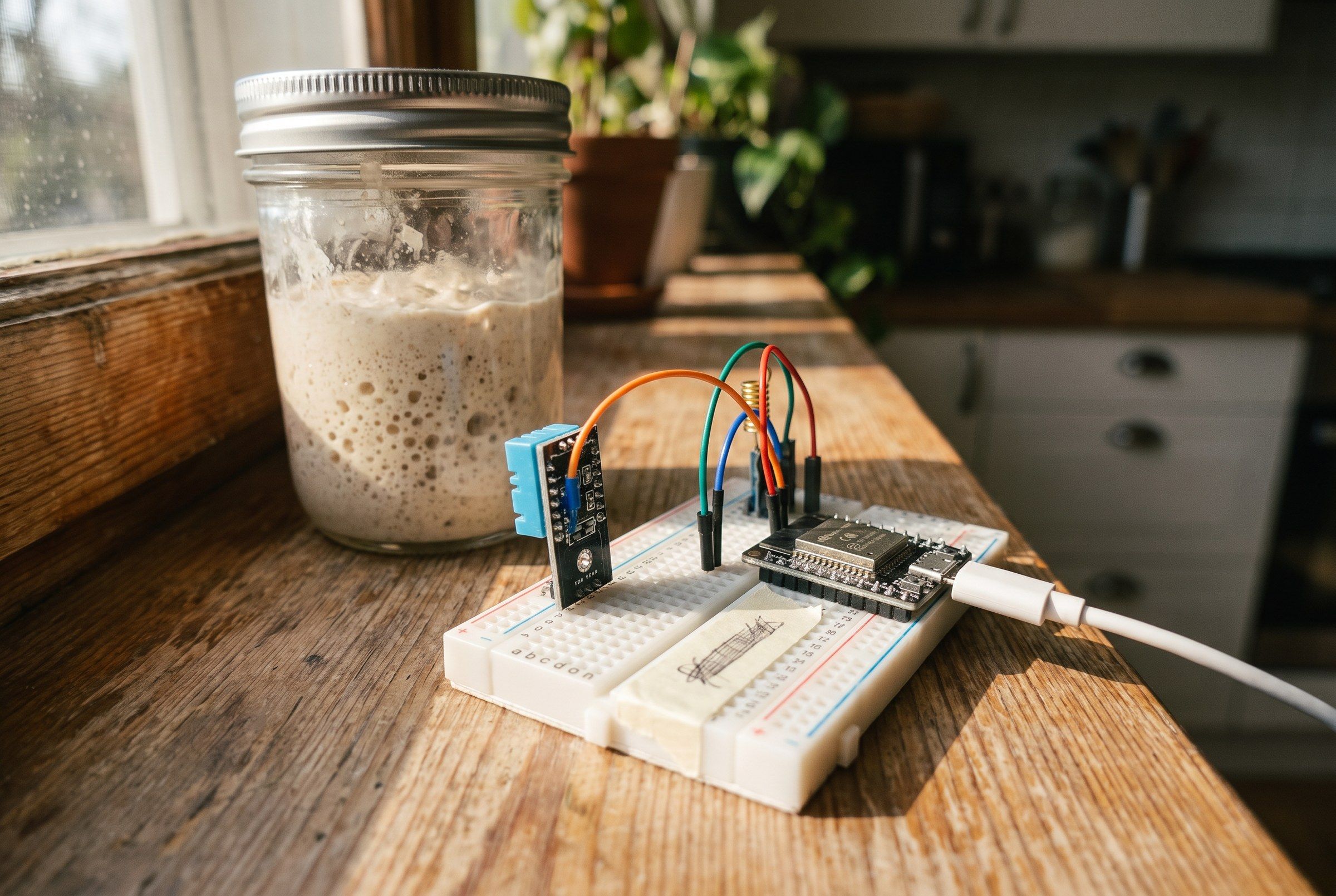
The board prints TEMP: 24.6 once a second. The connector turns each line into starter.temperature, which dashboards, scripts and the AI can read. Boards that speak MQTT can publish to the broker built into Muxit instead.
What else people connect.
| Project | How |
|---|---|
| Fermentation, aquarium, greenhouse sensors | ESP32 over serial or MQTT, alert below a threshold |
| Smart plugs and switches | Tasmota or Home Assistant over MQTT, from a script or a dashboard button |
| A camera on the 3D printer | Webcam on a dashboard, snapshot to your phone |
| "Set channel A to 5.2 volts" | Voice with the wake word, chat AI on Maker or a local model |
| Synth and sound experiments | MIDI and AudioSynth drivers from the registry |
A simulated device ships with every install.
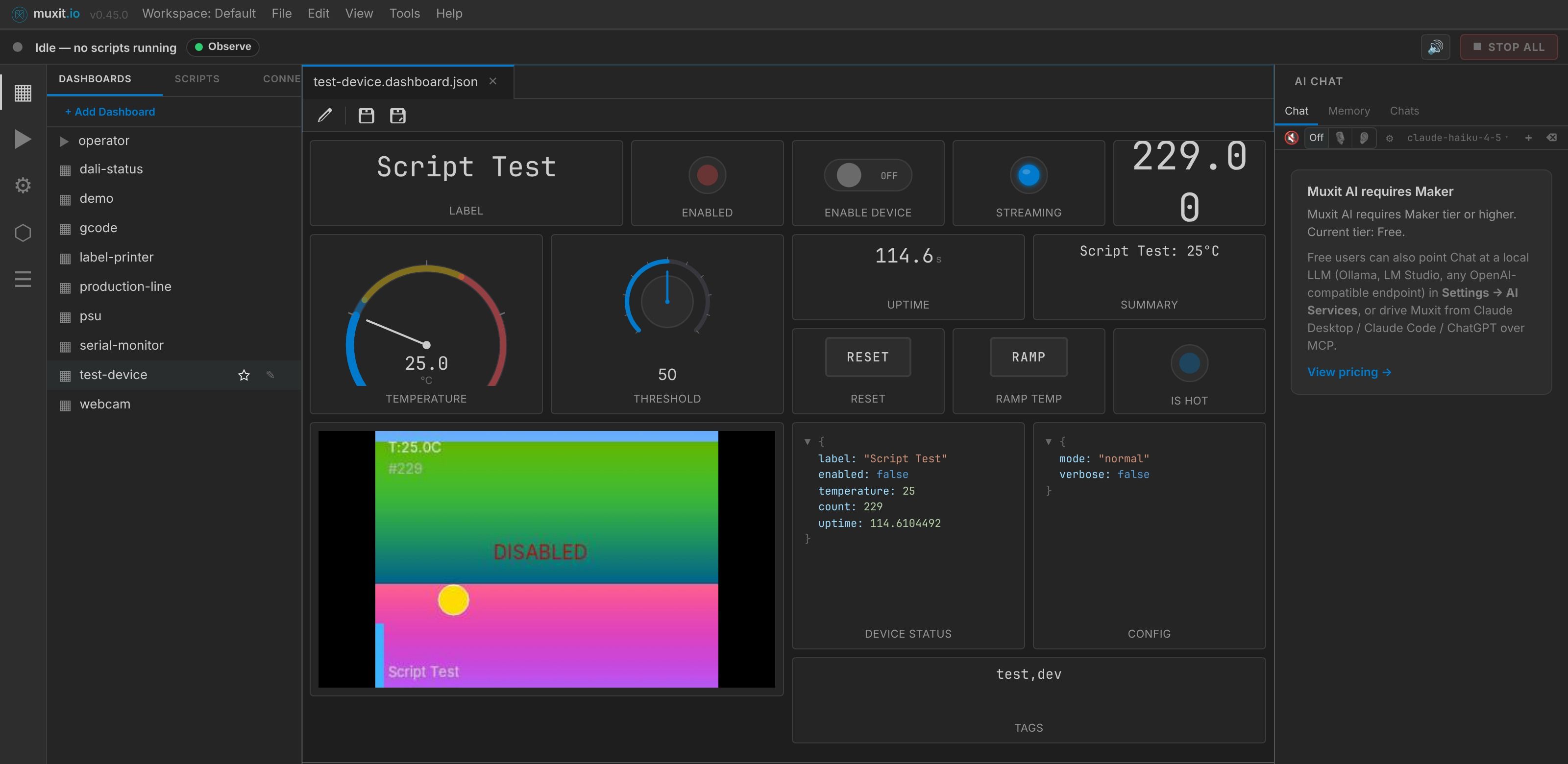
TestDevice has properties, actions and a simulated video stream to practise on, and it doesn't count towards the connector limit.
Instruments and plan.
| Part | How Muxit reaches it |
|---|---|
| ESP32 or Arduino printing readings | LineText over serial |
| ESP32 with MQTT, Tasmota, Home Assistant | MQTT, broker built into Muxit |
| Bench supply with a remote interface | Scpi · USB-TMC / LAN / serial |
| USB webcam | Webcam (built in) |
Free covers three devices and three scripts at a time with no time limit; MCP and local AI models work on Free too. Maker (€9/month) raises it to ten devices and adds the built-in AI, remote access to your phone, and video recording. Pricing →
Every instrument here needs a remote interface (LAN, USB-TMC or serial). Handheld meters and supplies with only knobs can't take part in an automated test.
What it doesn't do (yet).
- A bench supply needs a remote interface (USB, LAN or serial) for Muxit to set it. One with only knobs can't be scripted.
- Voice replies come from the chat AI: Maker with the built-in AI, or Free with a local model.
- Remote access outside your home network goes through a VPN such as Tailscale; Muxit does not relay connections through a server of ours.
Free for three devices, no time limit.
Install it on the computer next to your bench, or on a Raspberry Pi, and add your first board.
Related applications