Applications / R&D
Efficiency and regulation over load, measured the same way every time.
An LED driver, a DC-DC converter or a power supply on the bench: step the load, read input power and output voltage, and get an efficiency curve per unit. The same script checks line regulation and ripple.
| Source | Programmable DC supply (or AC source with remote control) |
|---|---|
| Load | Programmable electronic load |
| Input power | Precision power analyser |
| Output | Bench DMM; ripple on the scope |
| Result | CSV per unit: efficiency, regulation |
| Plan | MAKER+ |
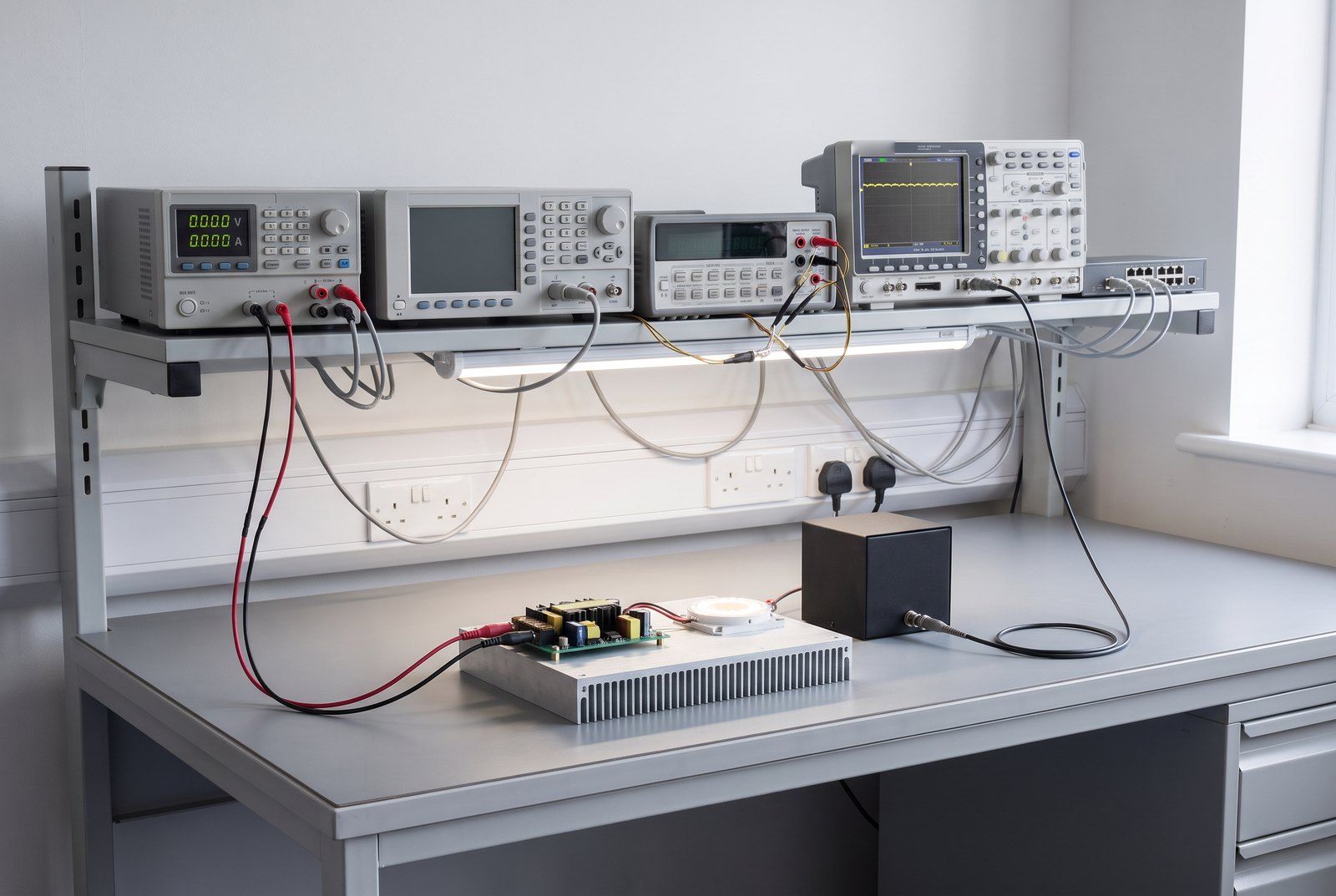
Source, analyser, load: one row per load step.
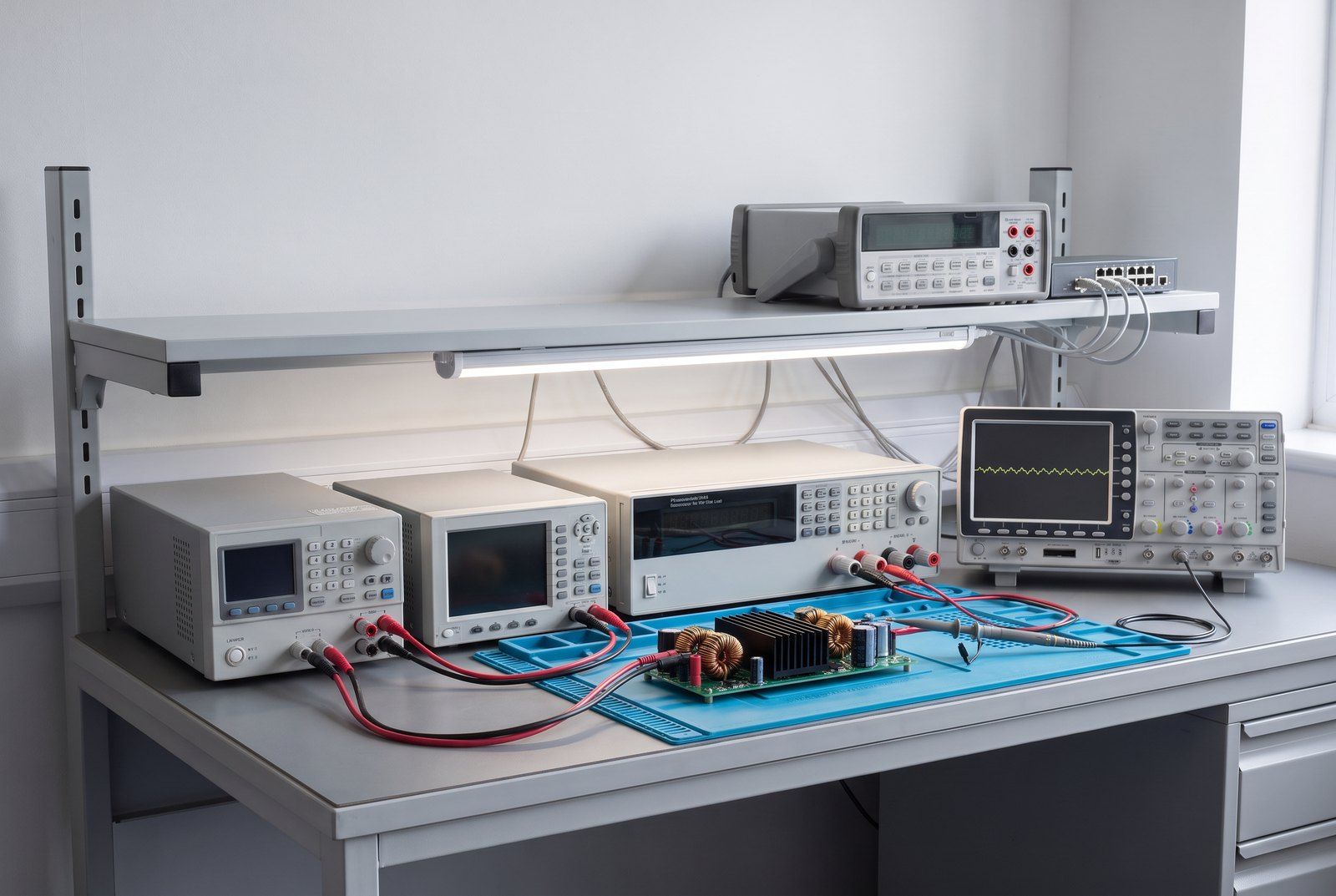
- 1Programmable supply feeds the converter input.Scpi · LAN
- 2Power analyser between supply and board: input power.Scpi or ASCII
- 3Electronic load steps the output current.Scpi · LAN
- 4Oscilloscope with a probe on the output capacitor, for ripple.Scpi · LAN
- 5Bench DMM for the output voltage at the board.Scpi · LAN
- 6Network switch. Every instrument is on the LAN.TCP/IP
- 7DC-DC converter under test.—
Step the load, read the power, write the row.
// efficiency.js: efficiency of a converter over load
const src = connector("psu");        // input supply
const load = connector("load");      // electronic load on the output
const pa = connector("analyser");    // power analyser on the input
const dmm = connector("dmm");        // output voltage
const csv = connector("fileaccess").openText("runs/efficiency.csv");
csv.write("iout_a,vout_v,pout_w,pin_w,eff_pct\n");

src.voltage = 230;                    // or 24 for a DC-DC
src.output = true;
load.input = true;

for (let i = 0.1; i <= 2.0; i += 0.1) {
  load.current = i;
  delay(2000);                        // thermal settle
  const vout = dmm.voltage;
  const pout = vout * i;
  const pin = pa.power;
  csv.append([i.toFixed(1), vout, pout.toFixed(3), pin,
              (100 * pout / pin).toFixed(2)]);
}
load.input = false;
src.output = false;# efficiency.py: efficiency of a converter over load
import csv, time
import muxit
m = muxit.connect()
src = m.connector("psu") # input supply
load = m.connector("load") # electronic load on the output
pa = m.connector("analyser") # power analyser on the input
dmm = m.connector("dmm") # output voltage
src.voltage = 230 # or 24 for a DC-DC
src.output = True
load.input = True
with open("efficiency.csv", "w", newline="") as f:
out = csv.writer(f)
out.writerow(["iout_a", "vout_v", "pout_w", "pin_w", "eff_pct"])
for step in range(1, 21): # 0.1 A to 2.0 A
i = step / 10
load.current = i
time.sleep(2.0) # thermal settle
vout = dmm.voltage
pout = vout * i
pin = pa.power
out.writerow([f"{i:.1f}", vout, f"{pout:.3f}", pin,
f"{100 * pout / pin:.2f}"])
load.input = False
src.output = FalseWhat happens
- The source powers the converter; the load sinks 0.1 to 2 A in 20 steps.
- After a settle time the analyser gives input power and the DMM the output voltage.
- Efficiency is output power over input power, written per step.
Property names such as power and input come from each instrument's connector, where you map them to that instrument's commands.
The same instruments, other questions.
| Test | How |
|---|---|
| Load regulation | Output voltage over the load range, at nominal input |
| Line regulation | Output voltage over the input range, at fixed load |
| Ripple | Scope Vpp at each load step |
| Standby power | Analyser reading with the load off |
| Start-up | Scope single trigger while the source switches on |
| LED driver output current | DMM or load reading against the set current |
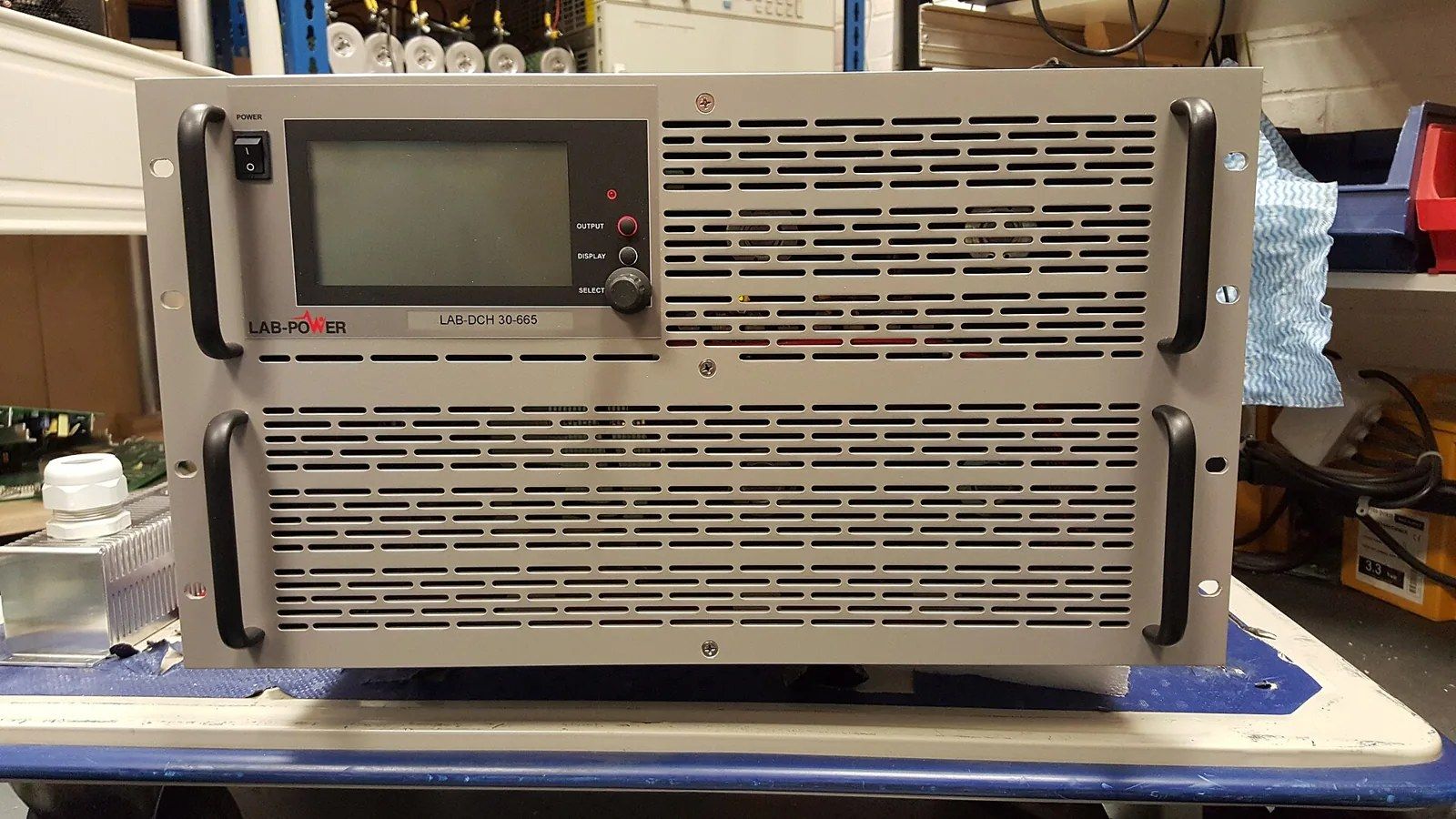
Instruments and plan.
| Part | How Muxit reaches it |
|---|---|
| Programmable source | Scpi · LAN / USB-TMC / serial |
| Programmable electronic load | Scpi · LAN / serial |
| Power analyser | Scpi or ASCII commands · LAN / USB / serial |
| Bench DMM | Scpi |
| Oscilloscope for ripple | Scpi |
Four or five instruments go past Free's three connectors; Maker covers ten. Lab adds per-connector safety policies, so a script can't push the load or the source past a set limit. Pricing →
Every instrument here needs a remote interface (LAN, USB-TMC or serial). Handheld meters and supplies with only knobs can't take part in an automated test.
What it doesn't do (yet).
- Muxit doesn't certify a product to a standard (efficiency classes, EMC). It runs and logs the measurements you define.
- Power analysers that use their own command set rather than SCPI need a connector with those commands; ask the AI to draft one from the manual (Maker+), or write it by hand.
- Mains-powered setups are your responsibility: Muxit sends the commands; the wiring, fusing and isolation are on the bench.
One efficiency curve per unit, without a spreadsheet.
Write the sweep once against your source, load and analyser. Every unit gets the same steps and the same CSV.
Related applications