Applications / Education & makers
Teaching labs where students run the experiment, not the setup.
One dashboard per experiment. Students sign in with a PIN and run it; the teacher keeps the scripts, the instrument settings and the limits. The same setup works at every bench.
| Students see | The experiment dashboard and its prompts |
|---|---|
| Teacher keeps | Scripts, connectors, safety level |
| Sign-in | PIN per student; a name on every action |
| Hardware | Bench instruments with a remote interface |
| Discount | 50 % for students, educators and researchers |
| Plan | PRO+ |
Every bench the same, every student signed in.
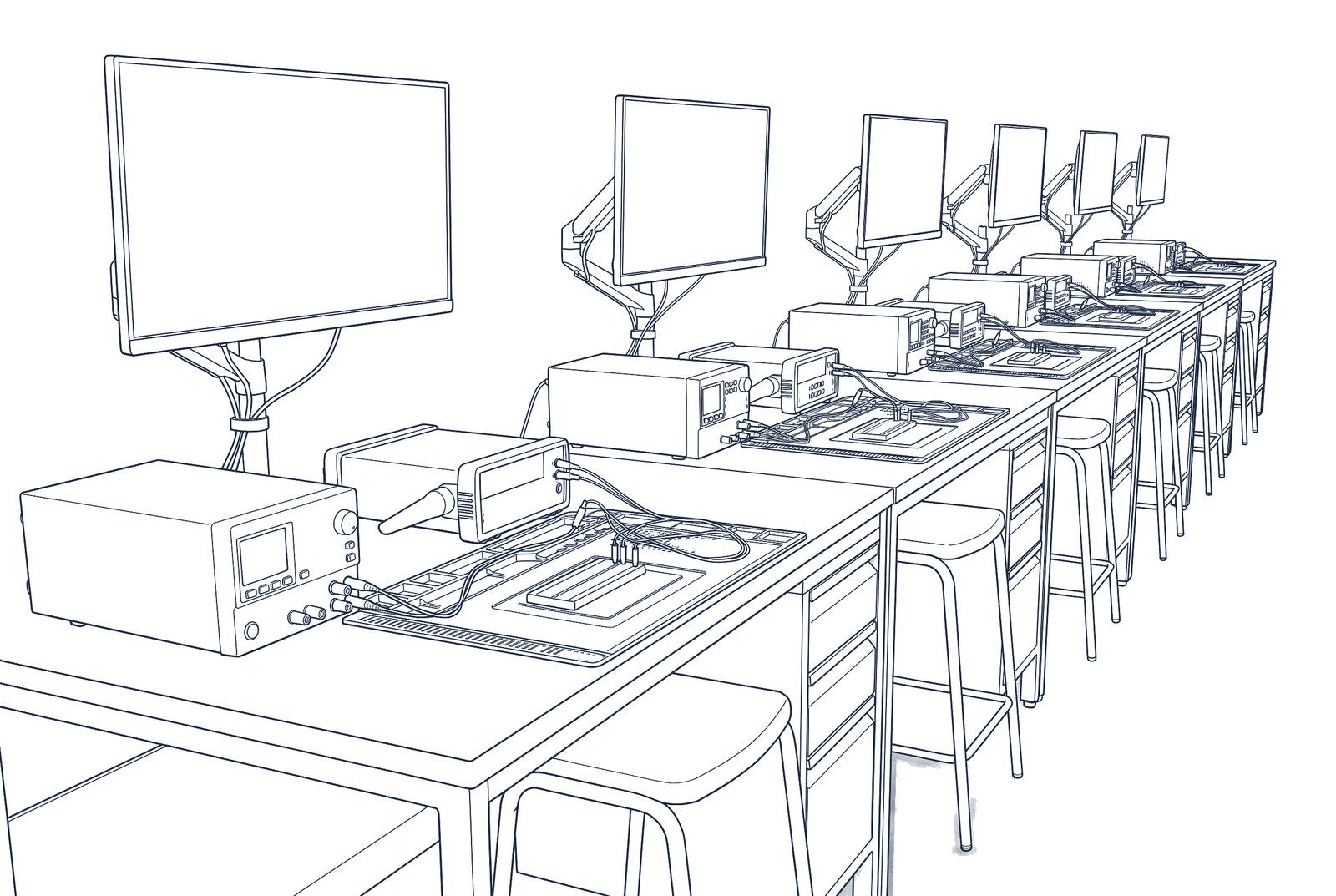
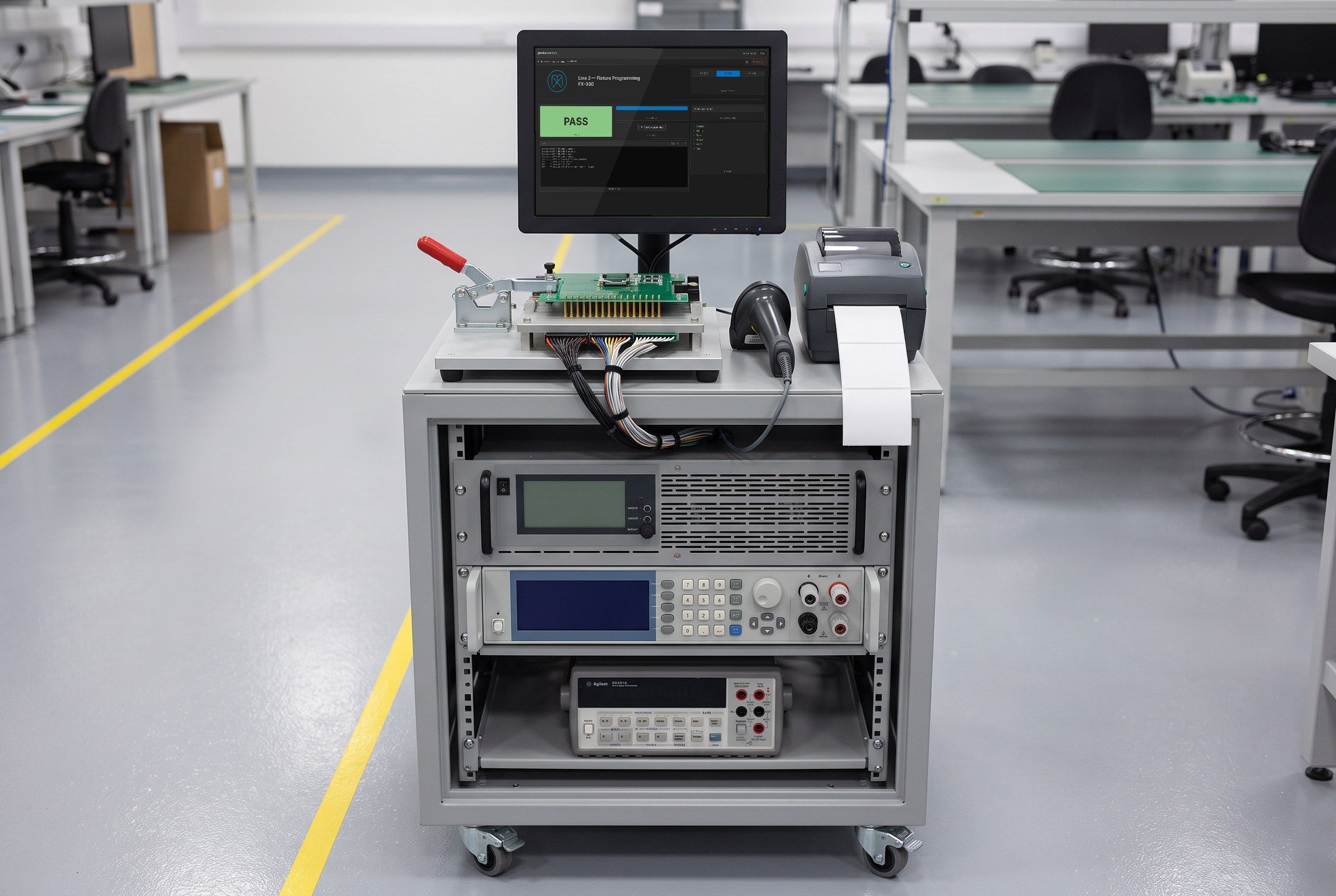
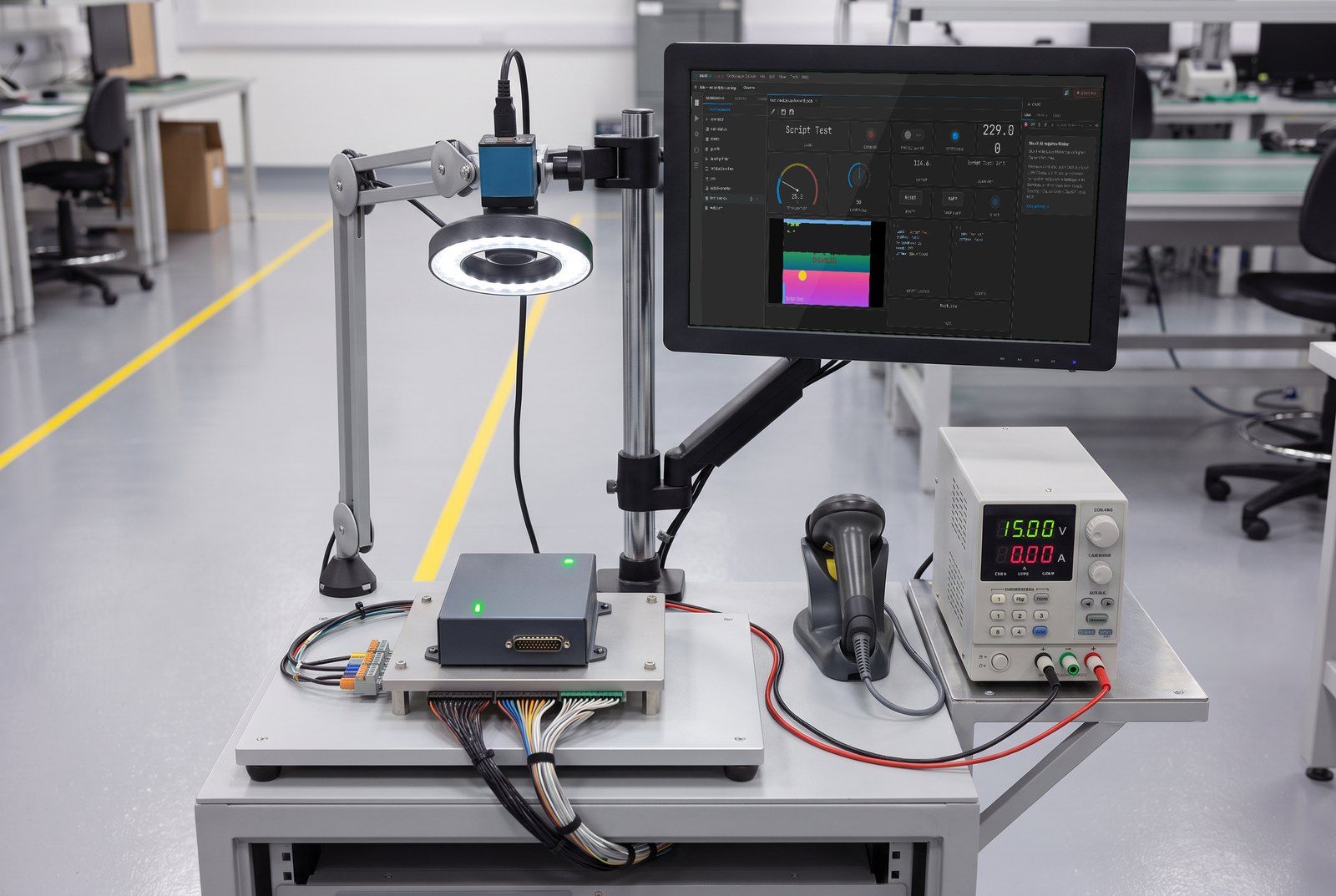
- 1Monitor with one dashboard per experiment. Students sign in and see nothing else.operator mode
- 2Programmable supply set by the experiment script, within the limits the teacher sets.Scpi
- 3Bench DMM for the readings the students record.Scpi
- 4Breadboard and leads for the circuit of the week.—
- 5The next bench gets the same dashboard and scripts.—
A guided measurement with a question before it starts.
// scripts/operator/rc-filter.js: one experiment, one prompt per step
const gen = connector("generator");
const scope = connector("scope");
const csv = connector("fileaccess").openText(`lab3/${script.name}-${Date.now()}.csv`);
csv.write("freq_hz,vin_vpp,vout_vpp\n");

if (!ask.confirm("Is the probe on the capacitor and the ground clip on GND?")) {
  log.warn("Stopped before measuring");
} else {
  for (const f of [10, 30, 100, 300, 1000, 3000, 10000]) {
    gen.frequency = f;
    delay(500);
    csv.append([f, scope.ch1_vpp, scope.ch2_vpp]);
  }
  log.info("Done. Open lab3/ to plot your Bode curve.");
}# rc_filter.py: one experiment, one question per step
import csv, time
import muxit
m = muxit.connect()
gen = m.connector("generator")
scope = m.connector("scope")
answer = input("Probe on the capacitor, ground clip on GND? [y/n] ")
if answer.strip().lower() != "y":
print("Stopped before measuring")
else:
with open(f"rc-filter-{int(time.time())}.csv", "w", newline="") as f:
out = csv.writer(f)
out.writerow(["freq_hz", "vin_vpp", "vout_vpp"])
for freq in [10, 30, 100, 300, 1000, 3000, 10000]:
gen.frequency = freq
time.sleep(0.5)
out.writerow([freq, scope.ch1_vpp, scope.ch2_vpp])
print("Done. Plot your Bode curve from the CSV.")What happens
- ask.confirm shows a yes/no question on the student's screen before anything is driven.
- The generator steps through seven frequencies; the scope reads input and output amplitude.
- Each run writes its own CSV, which opens as a chart in Muxit.
Courses that teach Python can run the same experiment from a notebook (the Python tab), with input() where the dashboard shows a dialog. The bench, the names and the limits stay the same; the locked operator station runs the JavaScript version.
Students get the dashboard; teachers get everything.
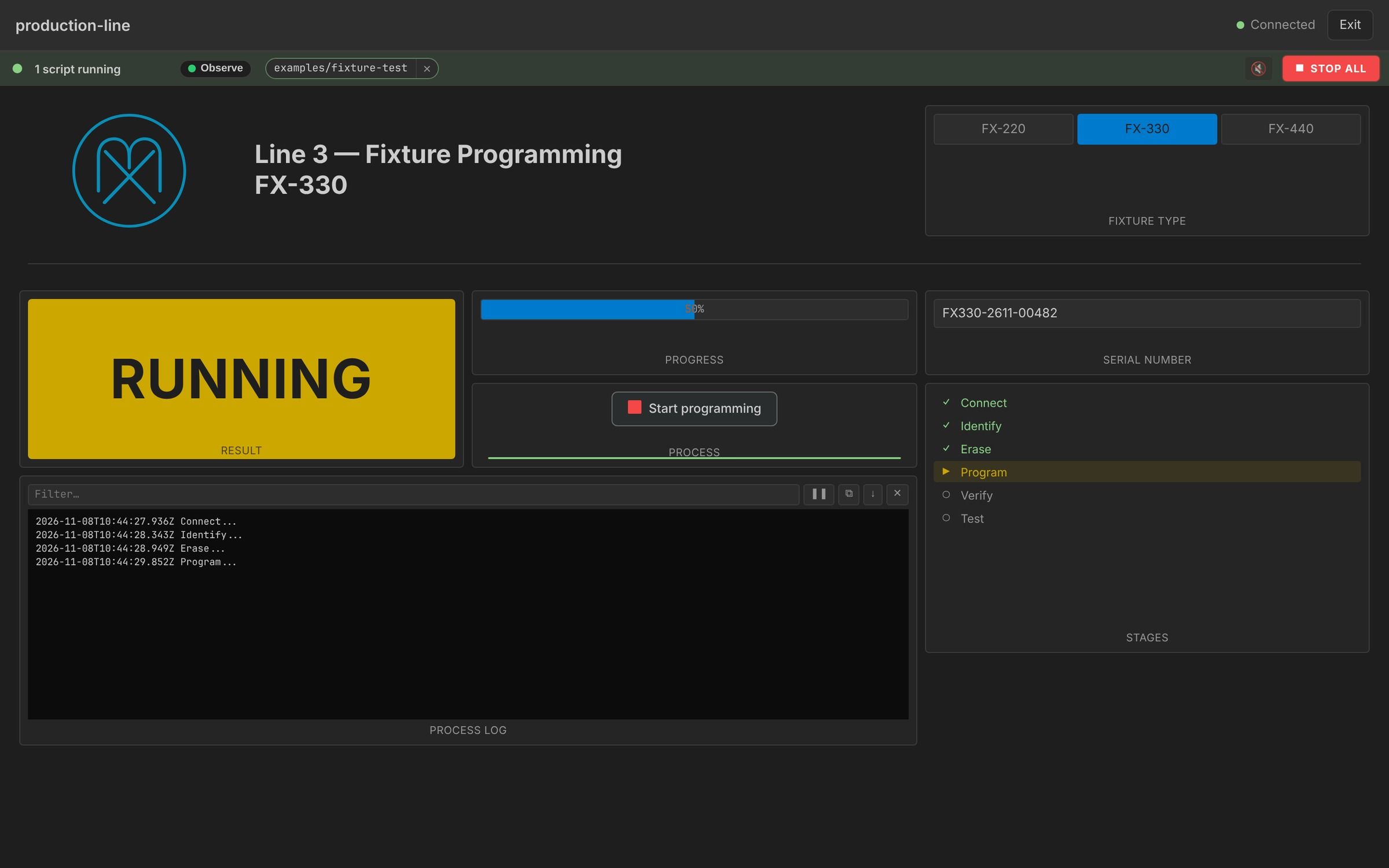
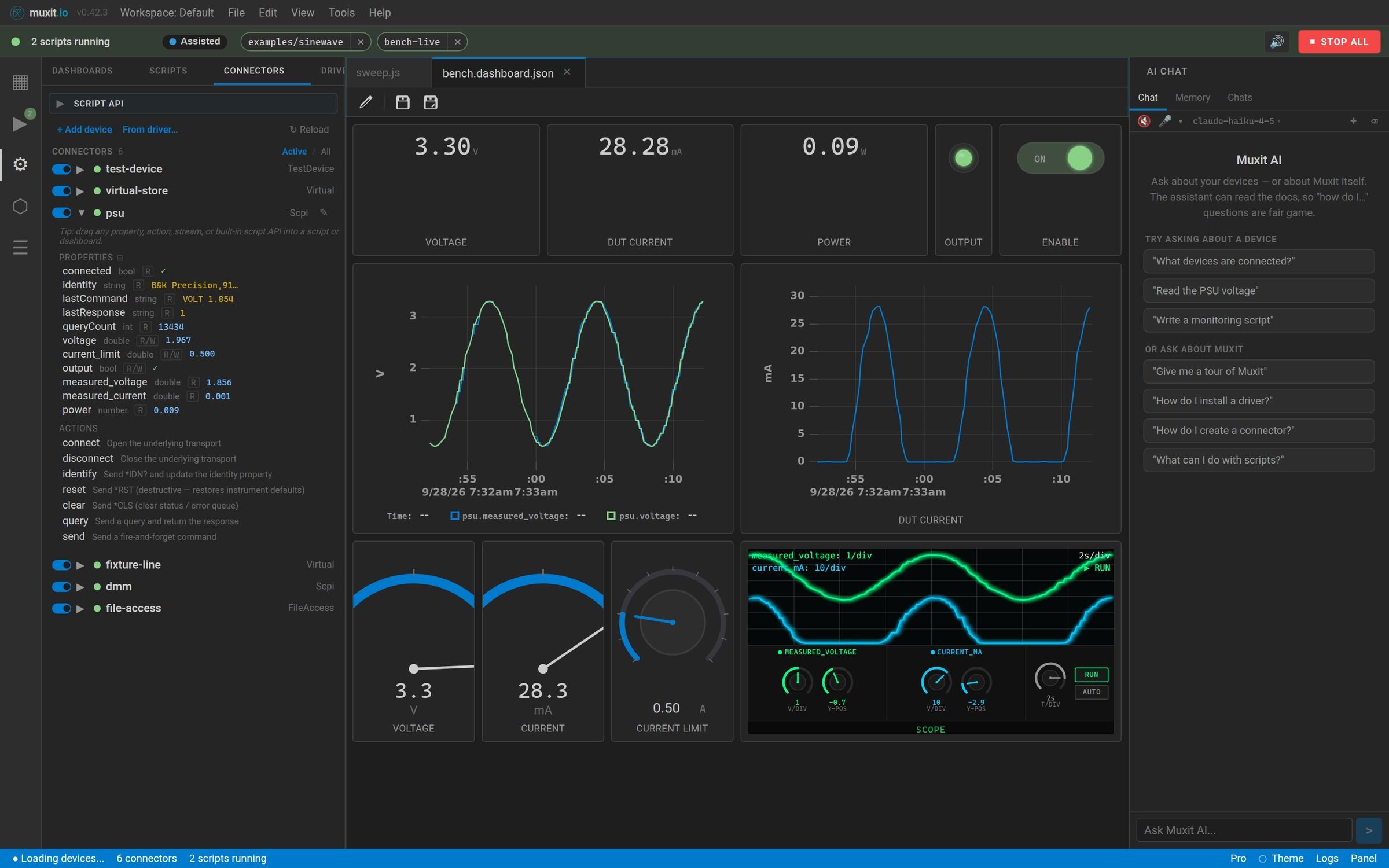
Students can also use their own AI assistant: the documentation has a section written for AI tools, so a student can ask about the script API without guessing.
Instruments and plan.
| Part | How Muxit reaches it |
|---|---|
| Function generator, scope, supply at each bench | Scpi · LAN / USB-TMC |
| A computer per bench, or a Raspberry Pi 4/5 | Windows, macOS, Linux |
| Student devices | The bench PC, or their own laptop once remote access is on (password set by the teacher) |
Operator mode and accounts are Pro; Free works for a teacher's own bench. Maker, Pro and Lab are 50 % off for verified students, educators and academic researchers. Pricing →
Every instrument here needs a remote interface (LAN, USB-TMC or serial). Handheld meters and supplies with only knobs can't take part in an automated test.
What it doesn't do (yet).
- Accounts are local to each installation; there's no single sign-in across benches and no link to the school's student system.
- Muxit doesn't grade. Results go into CSV files per student that you collect.
- The safety level limits what a script or the AI may do; it is not a replacement for supervision at mains-powered benches.
Set up one bench, copy it to the rest.
A workspace is a folder: connectors, scripts and dashboards. Put it on each bench computer, or on a shared drive.
Related applications