Applications / Lab & facility
Long-running and reliability tests that tell you when something drifts.
Burn-in, drift and lifetime runs that take days. Muxit logs every minute, charts it while it runs, and sends an alert to your phone or inbox when a reading leaves its band or the run ends.
| Duration | Hours to weeks; scripts run until stopped |
|---|---|
| Logging | CSV per run, charted while it grows |
| Sensors | MQTT, built-in broker |
| Alerts | E-mail, ntfy, Discord, Slack, any webhook |
| Watching from elsewhere | Remote access over LAN or Tailscale |
| Plan | MAKER+ |
A rack, a supply and a small computer that never sleeps.
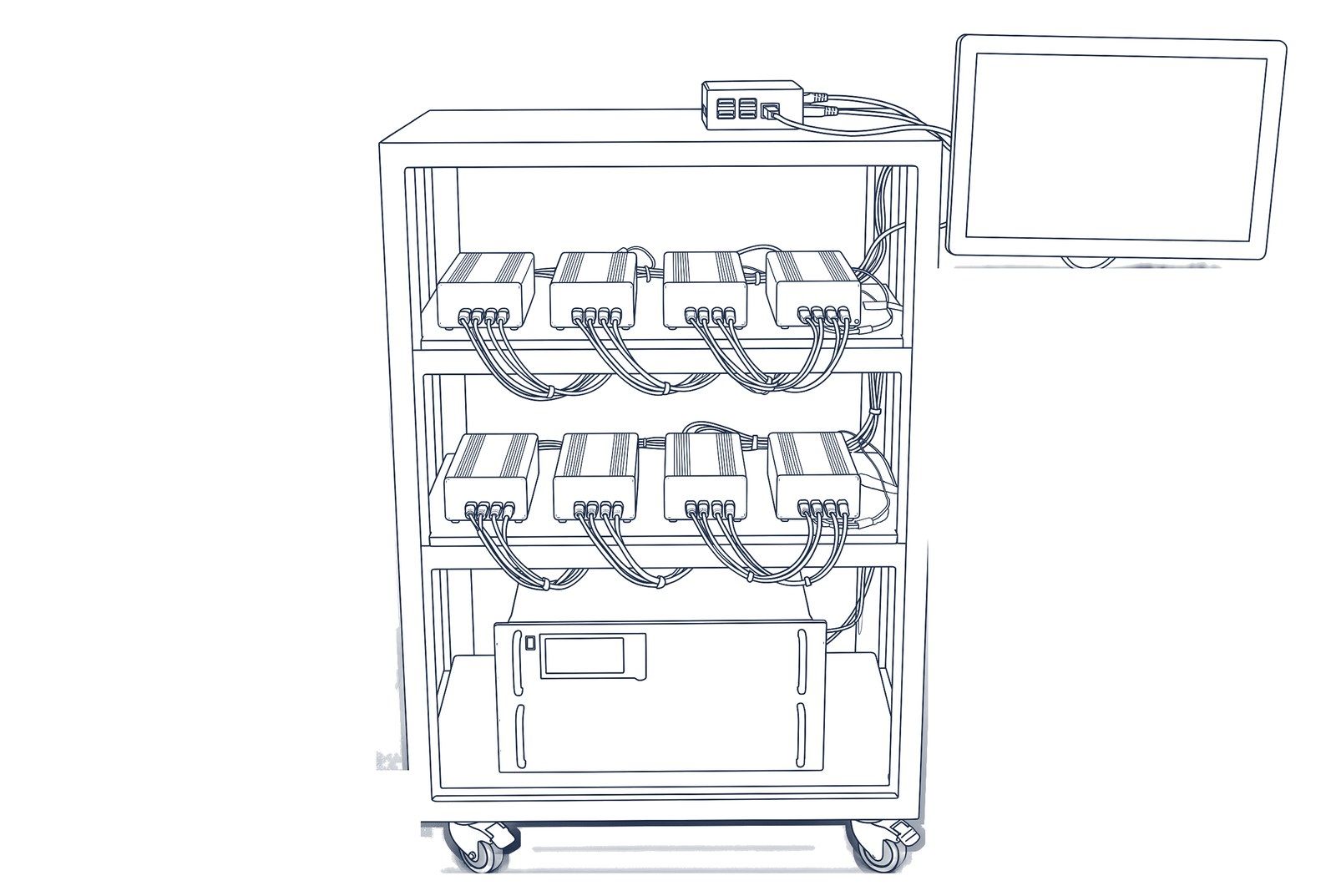
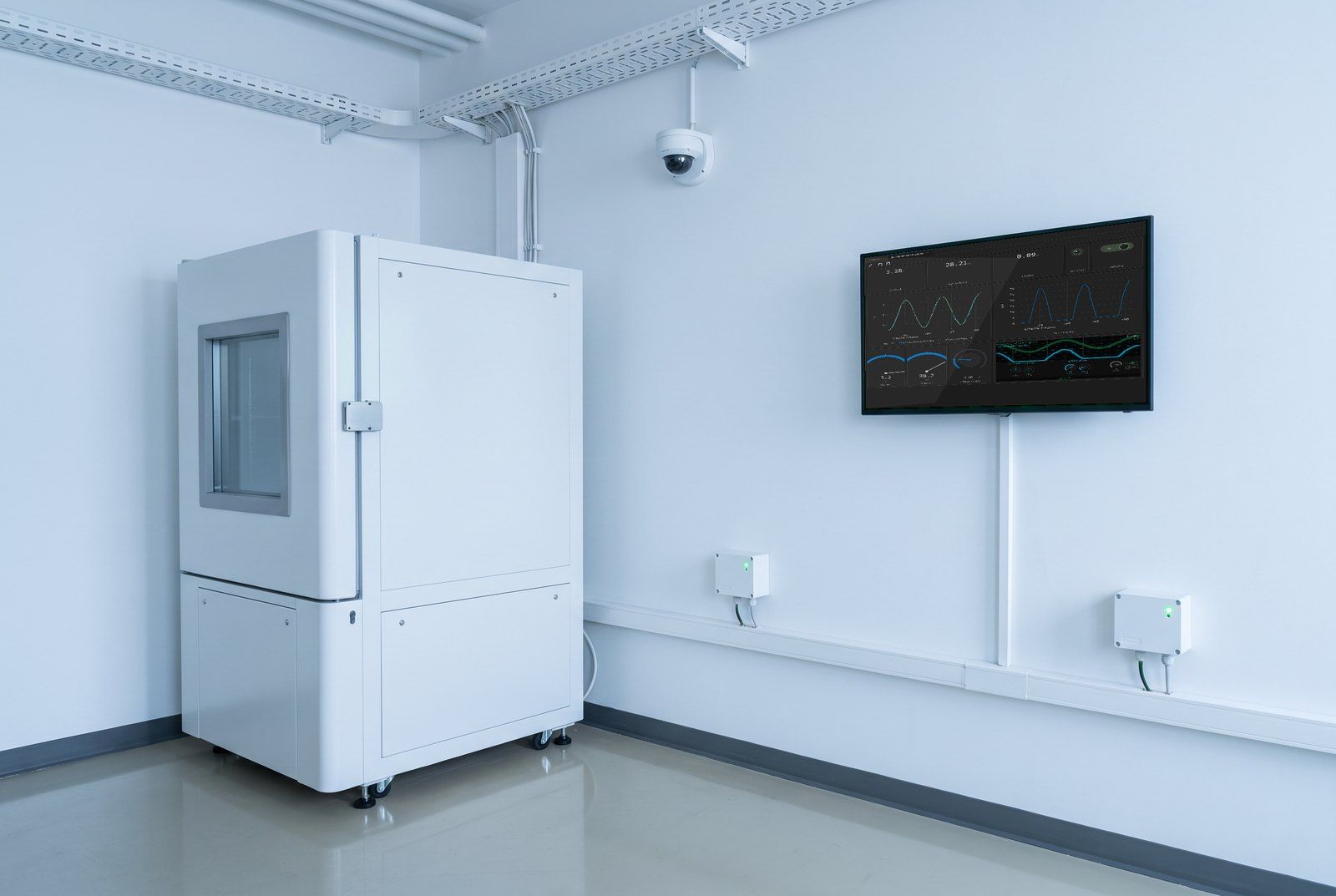
- 1Units under test on two shelves, each with a status LED and its own harness.—
- 2Rack-mount programmable supply feeds the units; the script logs voltage and current every minute.Scpi · LAN
- 3Raspberry Pi runs Muxit headless next to the rack.Muxit server
- 4Monitor with live charts. Remote access puts the same dashboard on your phone (Maker).dashboard
A loop with a delay, a row per minute, an alert on drift.
// burn-in.js: 72 hours, one row a minute, alert on drift
const psu = connector("psu");
const dmm = connector("dmm");
const env = connector("chamber-sensor");   // MQTT: temperature
const phone = connector("ntfy");           // webhook, ntfy flavour
const csv = connector("fileaccess").openText("runs/burn-in.csv");
csv.write("time,vout,iin,temp_c\n");

psu.voltage = 12;
psu.output = true;
const end = Date.now() + 72 * 3600 * 1000;

while (Date.now() < end) {
  const vout = dmm.voltage;
  csv.append([timestamp(), vout, psu.measured_current, env.temperature]);
  if (vout < 4.85 || vout > 5.15) {
    phone.notify("Burn-in drift", `Vout ${vout.toFixed(3)} V`, "warn");
  }
  delay(60000);
}
psu.output = false;
phone.notify("Burn-in done", "72 h complete", "success");# burn_in.py: 72 hours, one row a minute, alert on drift
import csv, time
from datetime import datetime, timezone
import muxit
m = muxit.connect()
psu = m.connector("psu")
dmm = m.connector("dmm")
env = m.connector("chamber-sensor") # MQTT: temperature
phone = m.connector("ntfy") # webhook, ntfy flavour
psu.voltage = 12
psu.output = True
end = time.time() + 72 * 3600
with open("burn-in.csv", "w", newline="") as f:
out = csv.writer(f)
out.writerow(["time", "vout", "iin", "temp_c"])
while time.time() < end:
vout = dmm.voltage
now = datetime.now(timezone.utc).isoformat()
iin, temp = psu.measured_current, env.temperature
out.writerow([now, vout, iin, temp])
f.flush()
if vout < 4.85 or vout > 5.15:
phone.notify("Burn-in drift", f"Vout {vout:.3f} V", "warn")
time.sleep(60)
psu.output = False
phone.notify("Burn-in done", "72 h complete", "success")What happens
- Every minute: output voltage, input current and chamber temperature go into the CSV.
- A reading outside 4.85–5.15 V sends a push notification through ntfy.
- After 72 hours the supply switches off and a last message says it's done.
Scripts run in parallel, so a monitoring script and a test script don't hold each other up. Stop ends a script at once; put the safe state before the loop.
For 72 hours, run the JavaScript version: it runs inside Muxit on the Pi and keeps going when your laptop sleeps. The Python version is the same loop, for a shorter run you watch from a notebook.
A dashboard while it runs, a chart when it's done.
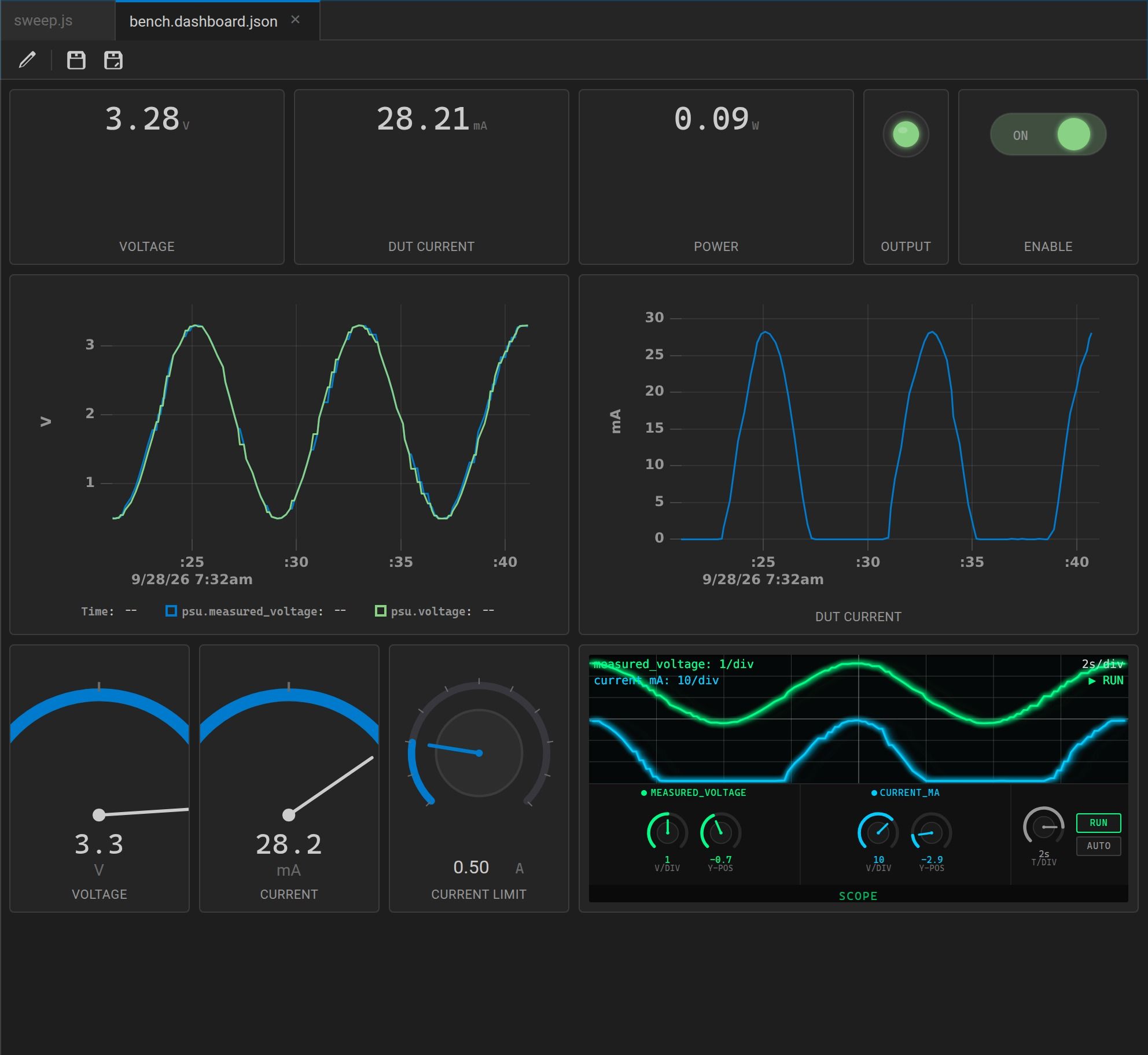
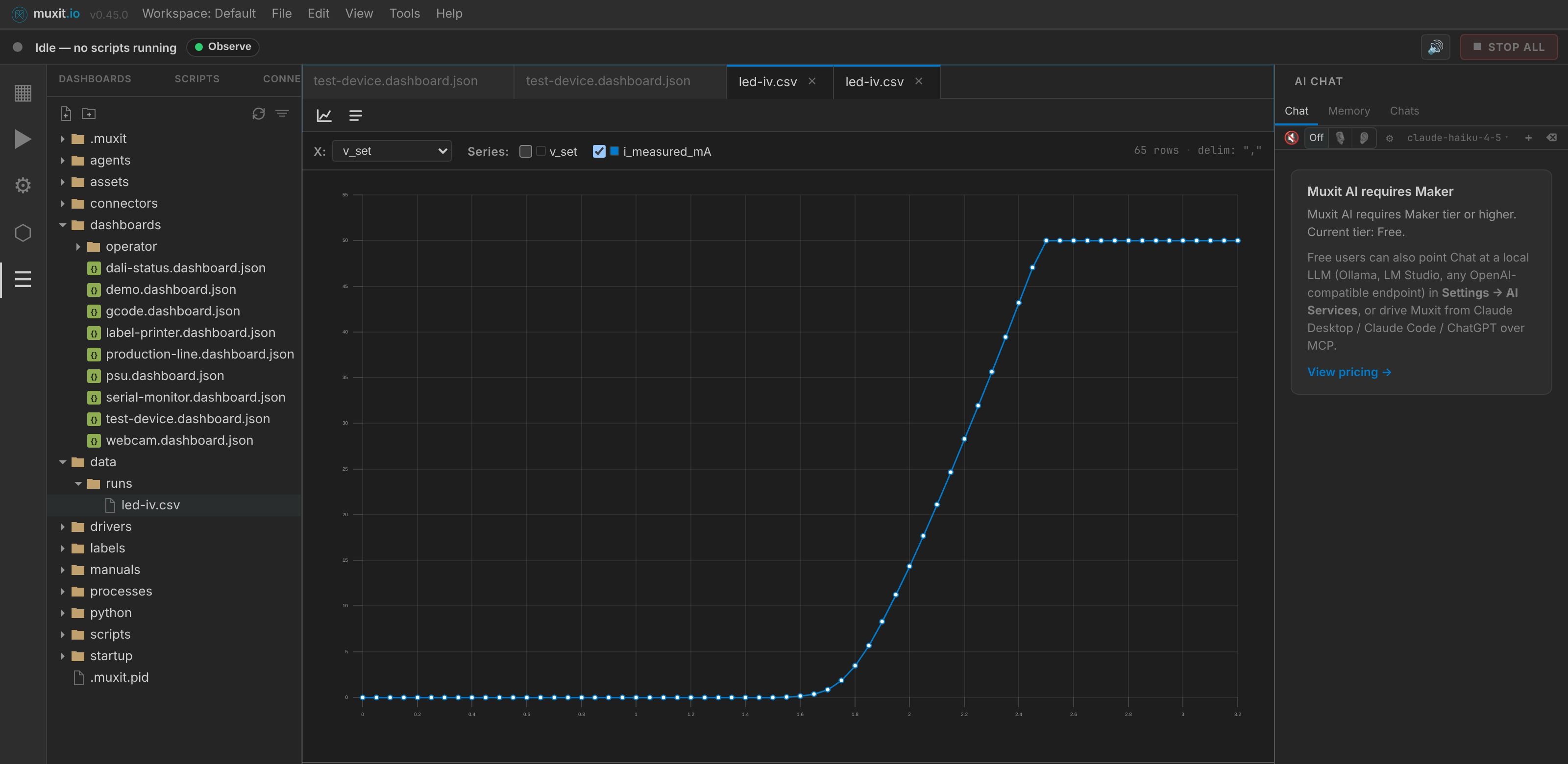
Instruments and plan.
| Part | How Muxit reaches it |
|---|---|
| Programmable supply, loads, meters | Scpi · LAN / USB-TMC / serial |
| Temperature and humidity sensors | MQTT (ESP32, Tasmota, Home Assistant) |
| Phone or chat notification | WebhookNotifier (ntfy, Discord, Slack, generic) |
| E-mail report | EmailNotifier (SMTP) |
| A computer that stays on | Windows, macOS, Linux, or a Raspberry Pi 4/5 |
Free runs three scripts at a time and three connectors. Maker removes the script limit, raises connectors to ten, and adds remote access and startup scripts, which start a test again whenever the server starts. Pricing →
Every instrument here needs a remote interface (LAN, USB-TMC or serial). Handheld meters and supplies with only knobs can't take part in an automated test.
What it doesn't do (yet).
- A script handles alerts while it waits (in delay or waitFor), not in the middle of other code, and a stopped script sends nothing. Alerts are not a safety interlock; put hard limits in the connector.
- Muxit doesn't hold a long-term database; each run is a CSV file. The chart view draws the first 100,000 rows of a file.
- Muxit doesn't certify a test to a standard; it runs and logs it.
Leave it running.
Write the loop with a delay, add a webhook for your phone, and check the chart from your desk.
Related applications